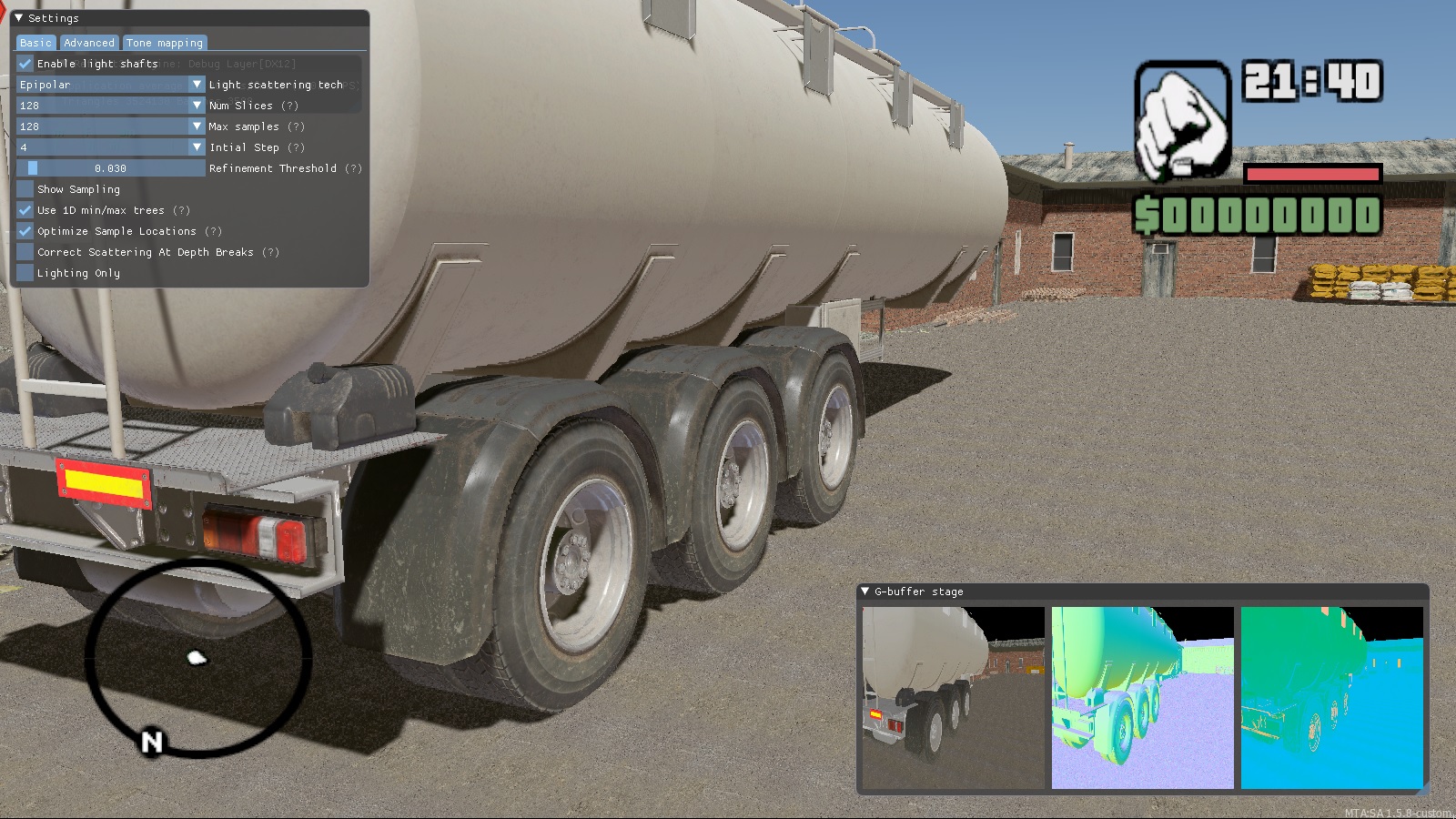
The second version, which we are developing for our ReflectRP project.
In order to avoid potential problems with the former employer, we decided to do ReflectRP completely from scratch, without using anything that we did for RPBOX. The same goes for the rendering system. We planned to use the system with a completely different approach, and at the same time get an incomparably better result.
As you know, GTA SA runs on DirectX 9, which was released back in 2002. Naturally, over almost 19 years that have passed since that moment, many technologies – both software and hardware – have emerged that provide many benefits to both developers and ordinary users.
Therefore, the first thing we did was transfer GTA SA to DirectX 11/12. Although it sounds so simple, the work was enormous (which took somewhere in the region of six months of work), since the entire MTA is “sharpened” for DX9. That is, if you switch the game to DX11 / 12, then almost all the MTA functionality related to graphics will stop working and there is no simple effective way to get around this problem. However, we successfully coped with this task, which allowed us to make a bunch of optimizations, use modern development tools and get a high-quality result. And some things without this would be impossible to do at all.
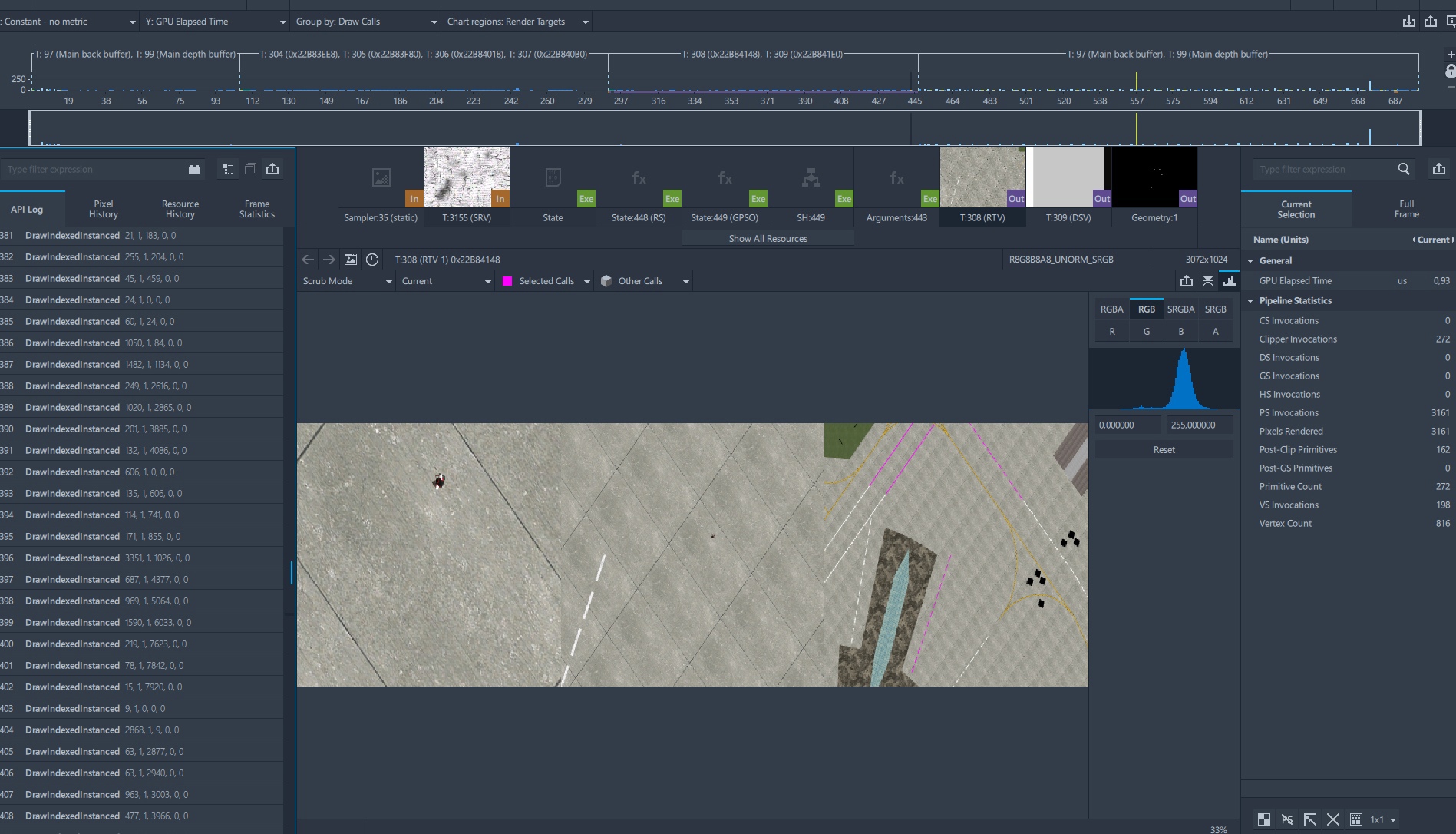
For example, we have a very low memory consumption of the game, because now all the possibilities of video memory are fully used – there is no need to duplicate models and textures in the main memory.
Shadows
After switching to DX11 / 12, we started working on the shadows. At first it’s just black spots
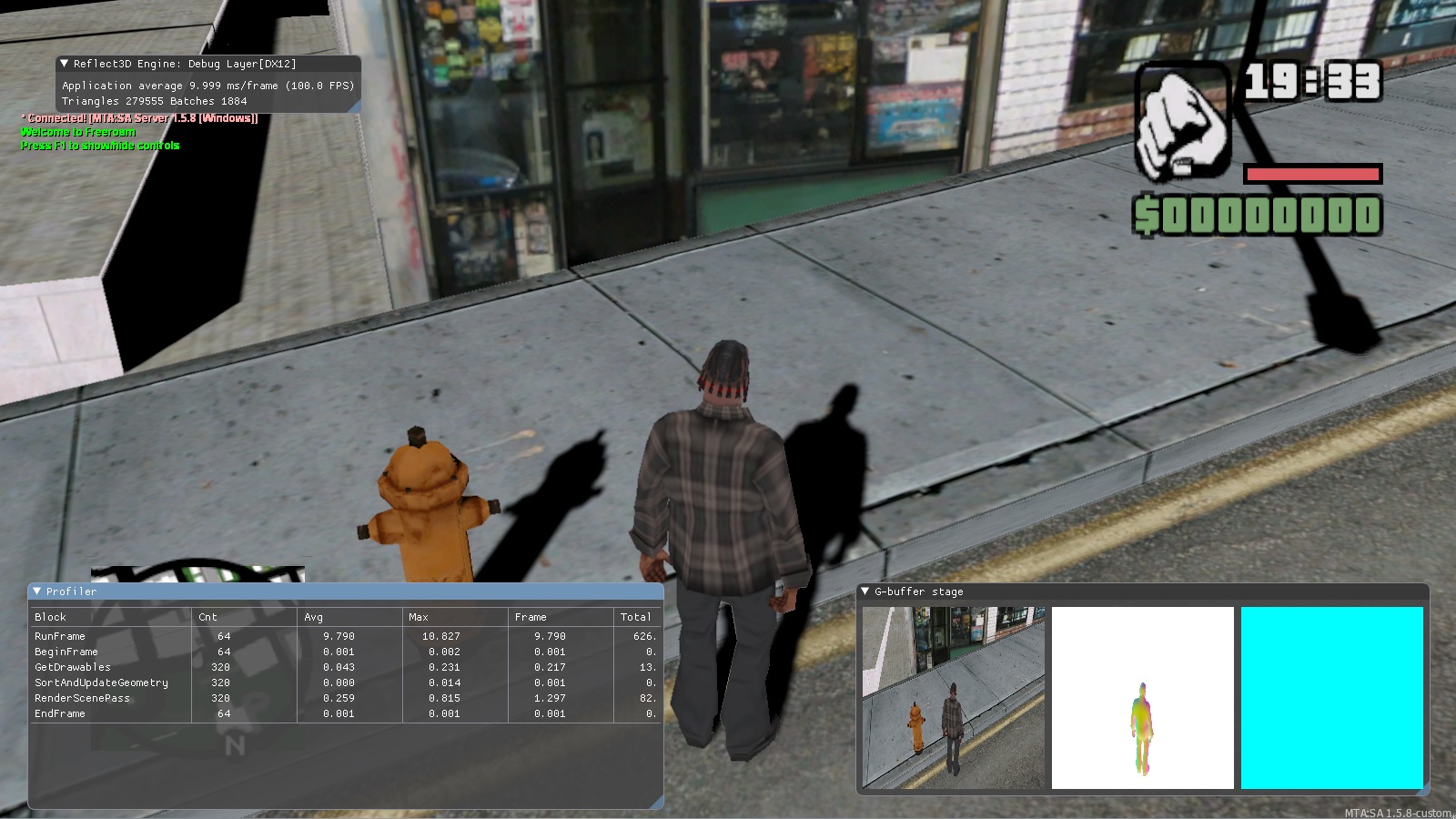
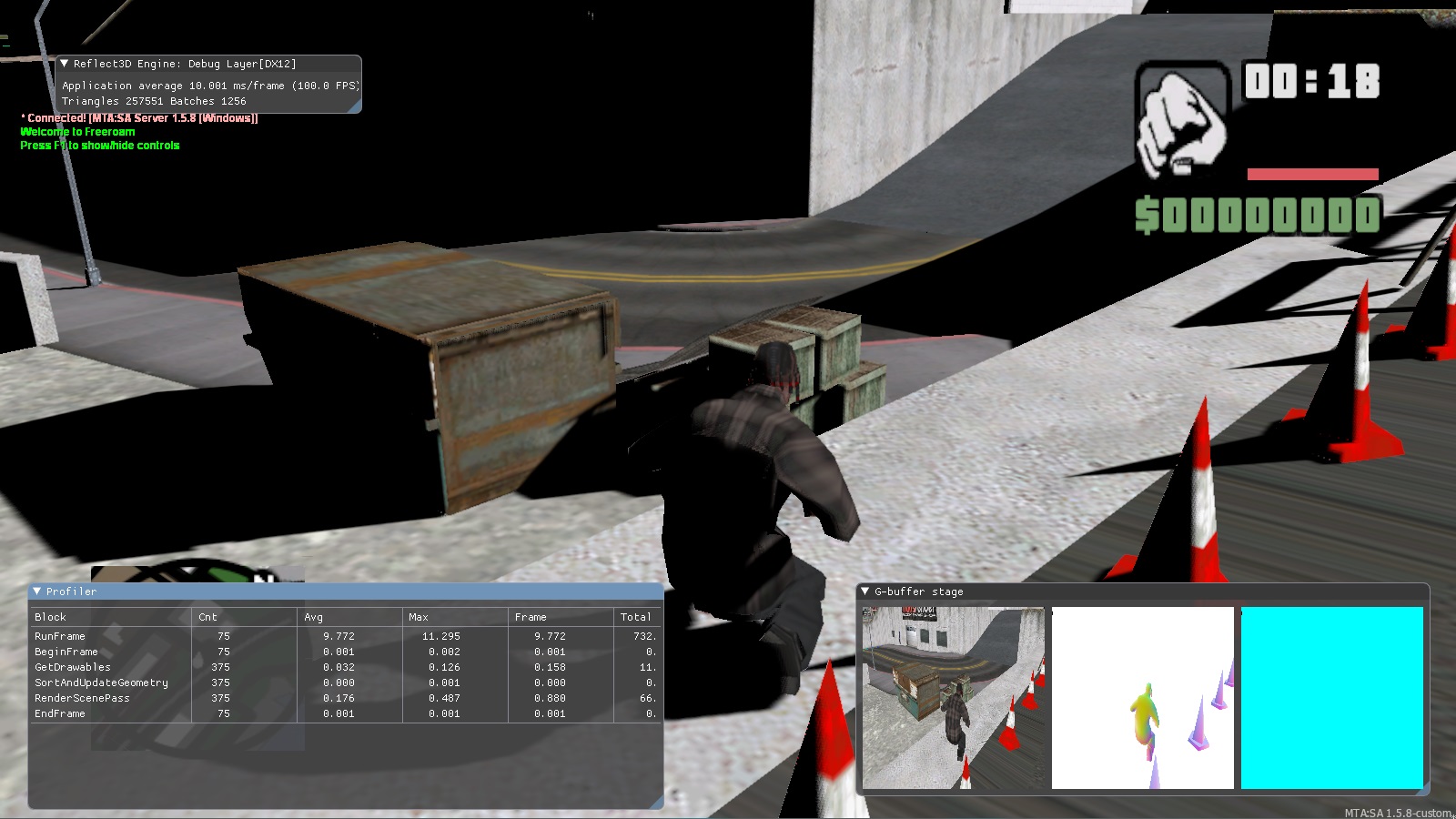
to which transparency is later added
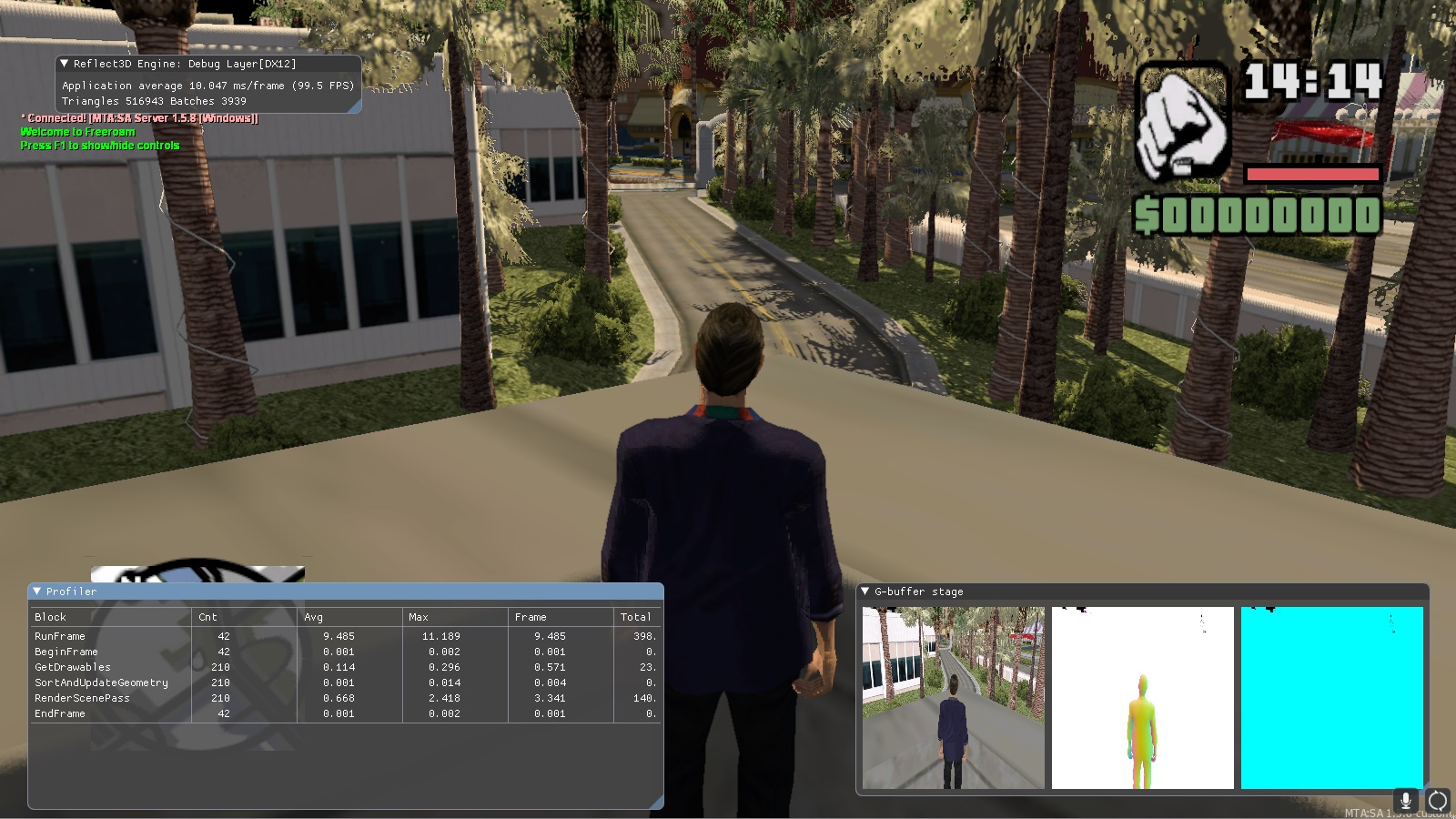
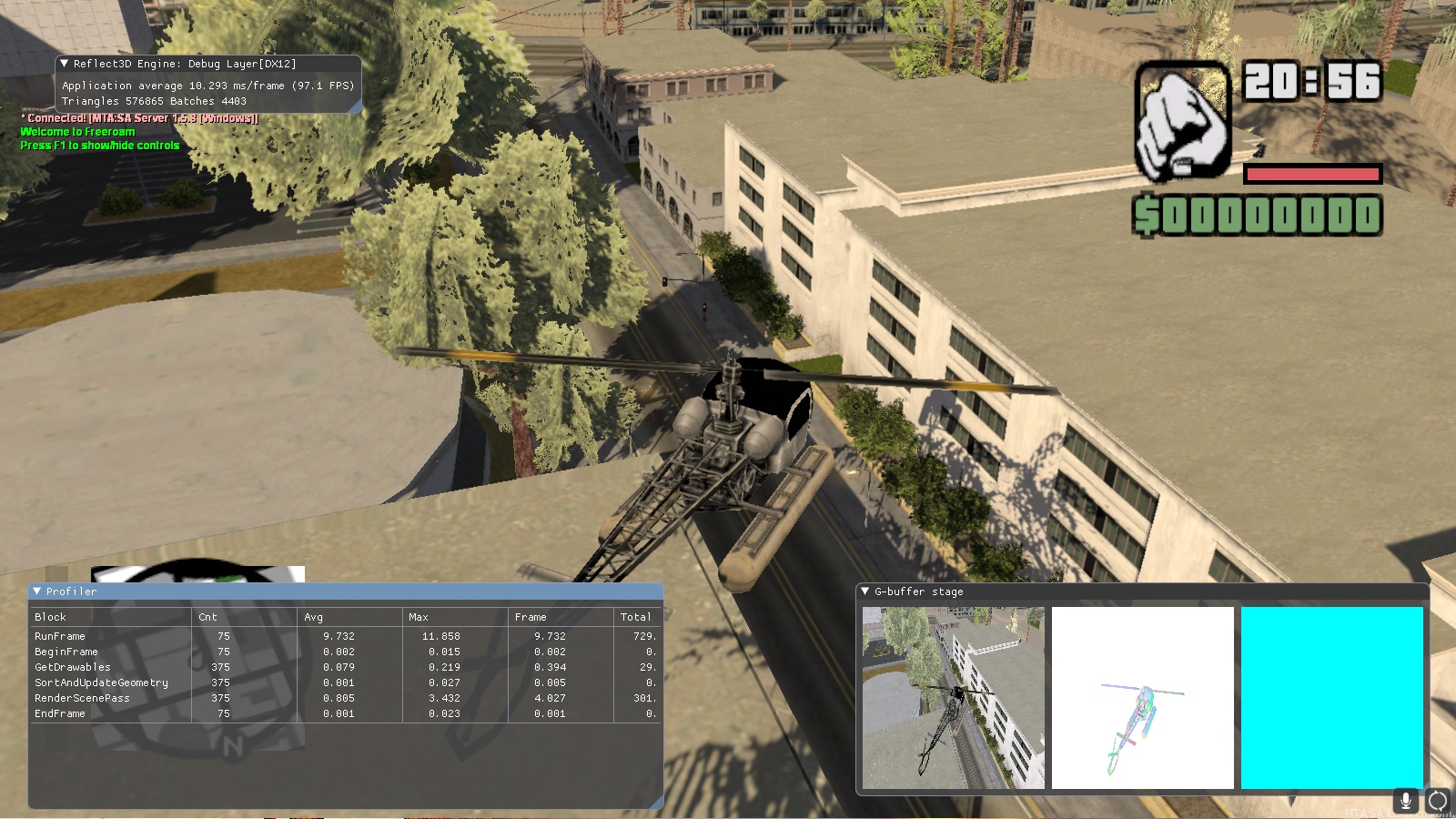
these are the earliest screenshots, but even here you can see that the shadows are of higher quality than in the first version of the render.
If someone is interested in technical details, the shadows already supported up to eight cascades (in the previous version there were a maximum of four), smoothing seams, smoothing PCF with different grain settings, algorithms for adjusting and optimizing cascades for the best ratio of pixels of the shadow map to the rasterized texel, as well as the ability to choose different types of shadow cards, depending on the capabilities of the hardware.
Sky
The next step was to work on the sky.
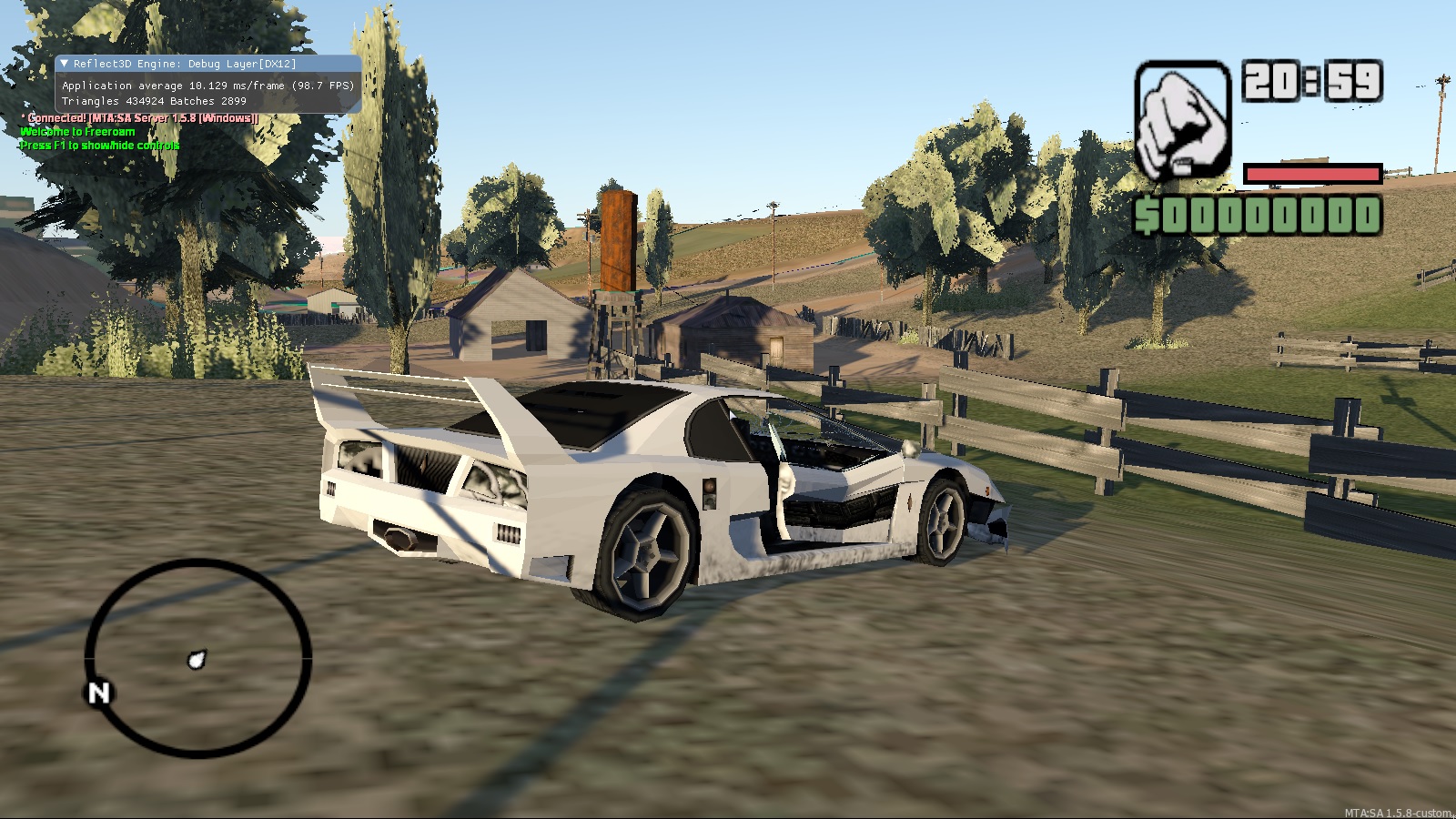
So far, basic – no clouds, sun, moon and stars. It would seem, what in that case is still there? It’s very simple – the atmosphere remains. Depending on the time of day, the sky color and atmospheric light scattering are correctly adjusted.
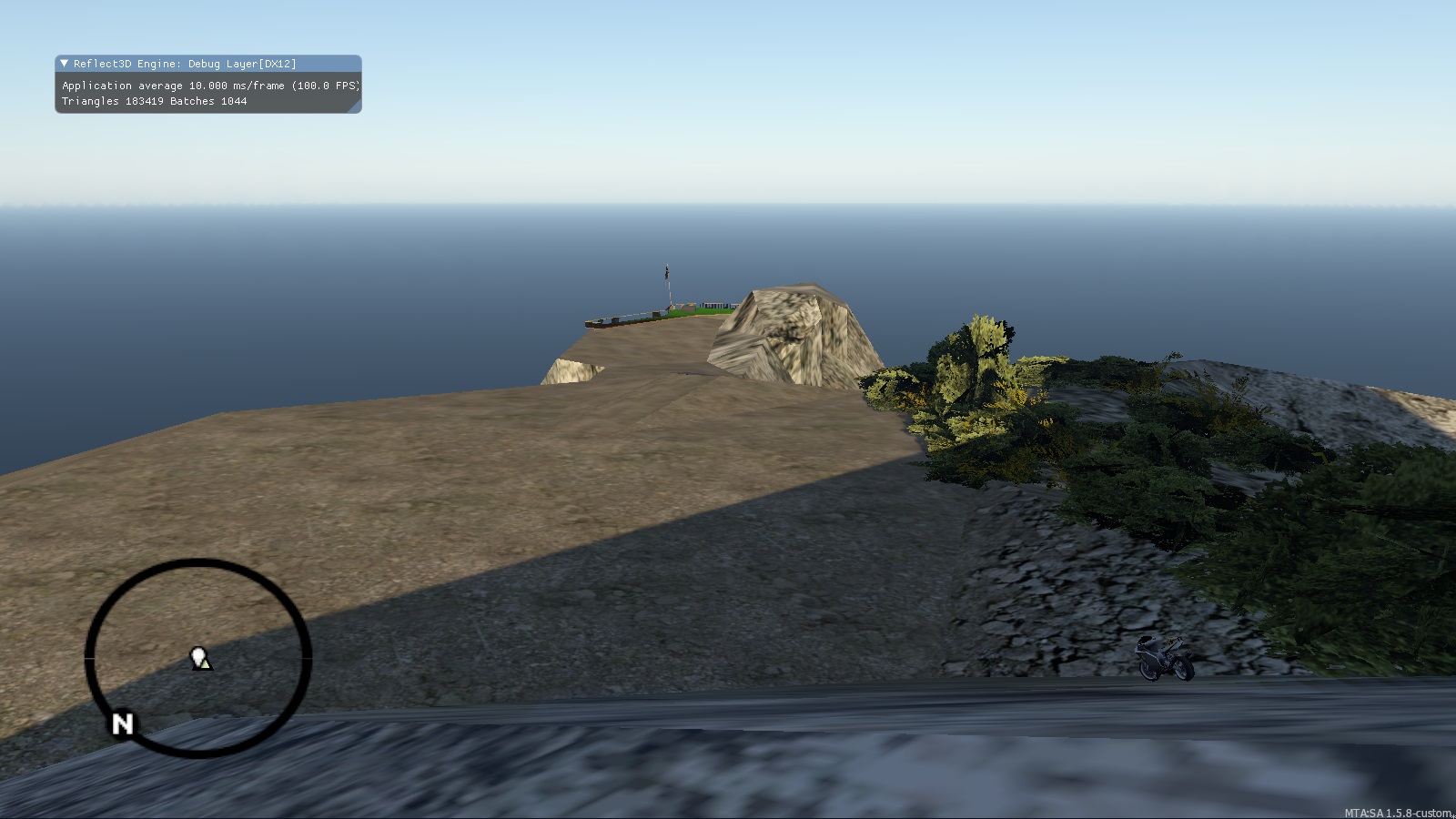
Some of you have probably seen a similar sky in Unreal Engine or Unity, or in games made on these engines (there are even those who thought that screenshots from one of these engines, seeing such a sky). And someone will say: “just some kind of fog, what is it?”… But no, this is not a simple fog. Here are a couple of pictures from the internet showing what atmospheric dispersion does:
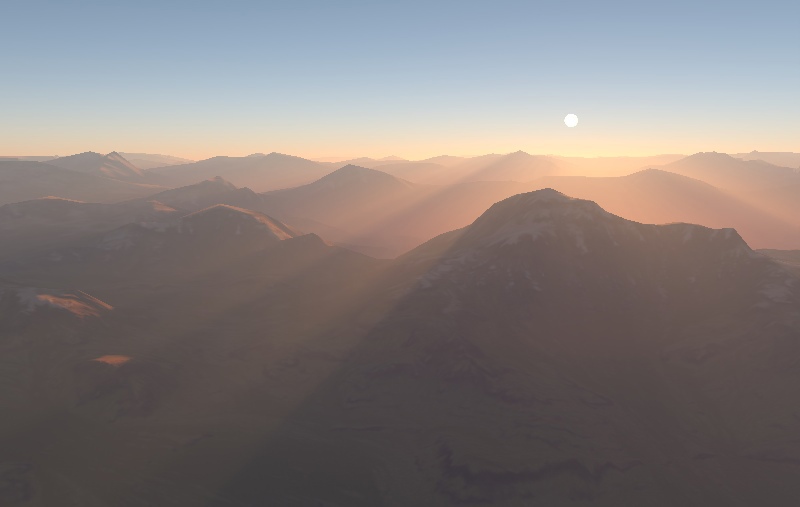
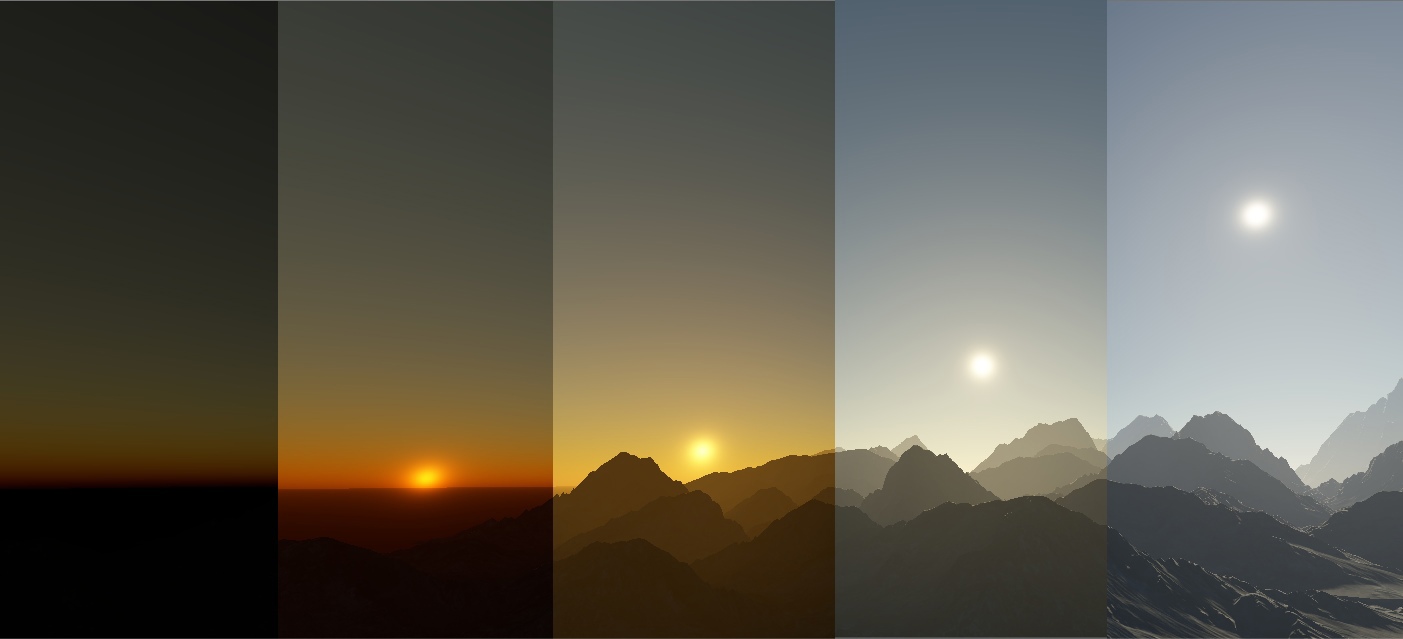
Beauty, isn’t it? So we will have it when we complete the work *.
* Although we try to talk about the work done in chronological order, at the time of publication of this article, atmospheric scattering is still not completely finished – some improvements and adjustments are required, which we will be doing closer to the opening of the project, and therefore such screenshots of our game map are not to be posted anytime soon.
PBR
The next step is to add PBR, a physically based rendering. This is a modern standard that allows you to get a photorealistic image: metal will look like metal, glass – glass, leather – leather, wood – wood, etc. Thus, this standard allows you to reliably reproduce the optical properties of surfaces.
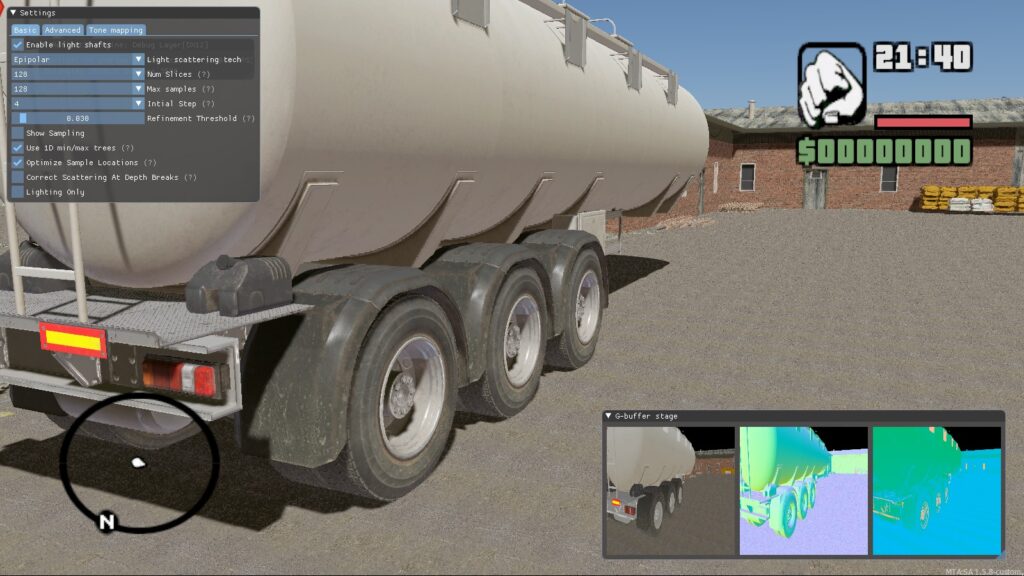
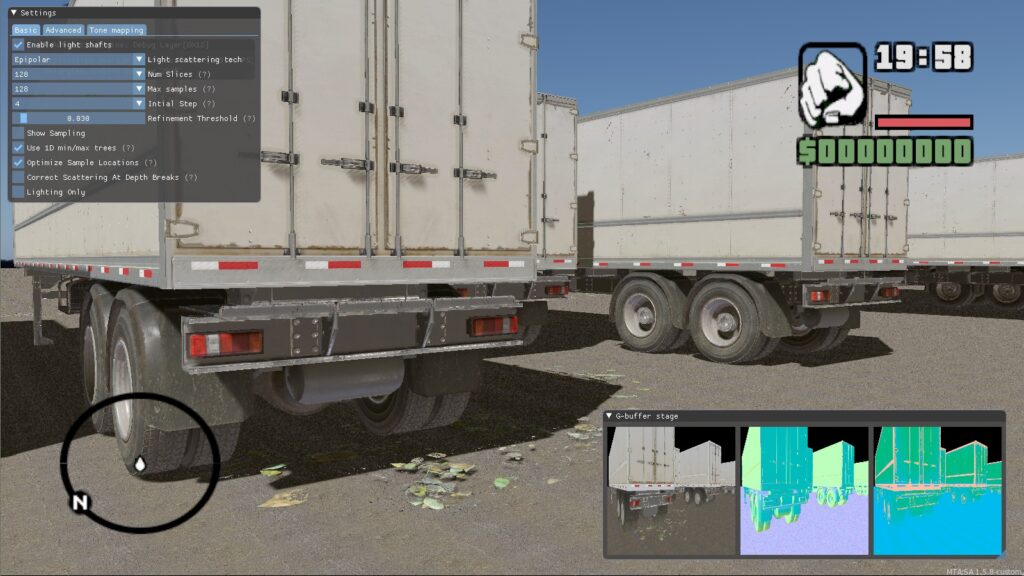
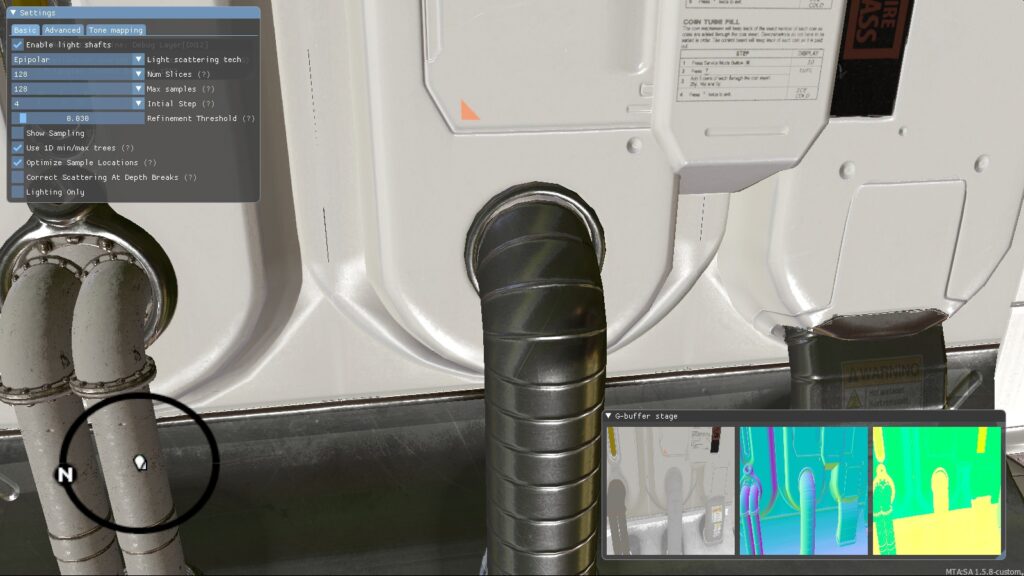
Interiors at this stage look much worse due to the lack of anti-aliasing, tuned light sources and reflections. 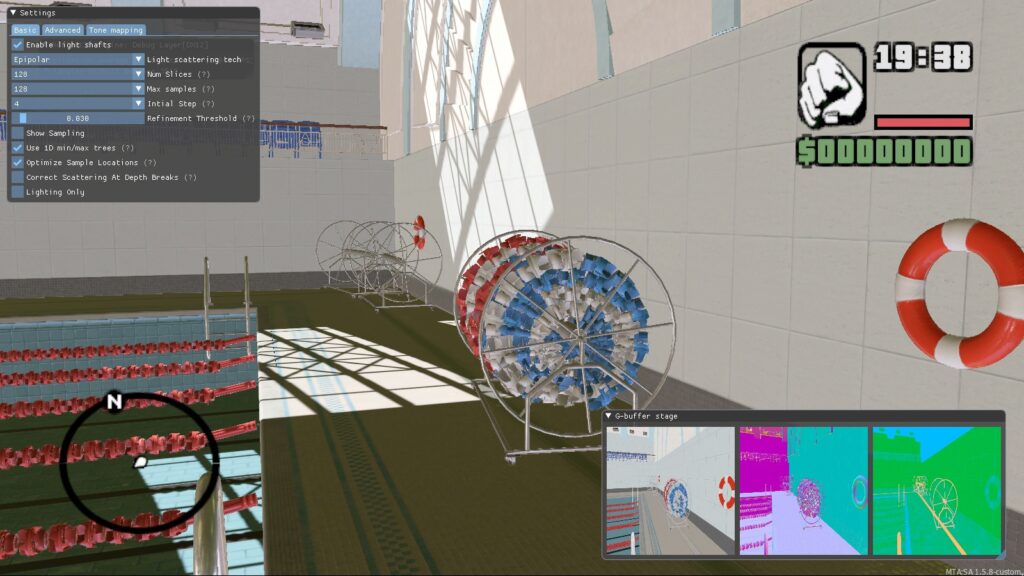
Interiors at this stage look much worse due to the lack of anti-aliasing, tuned light sources and reflections.
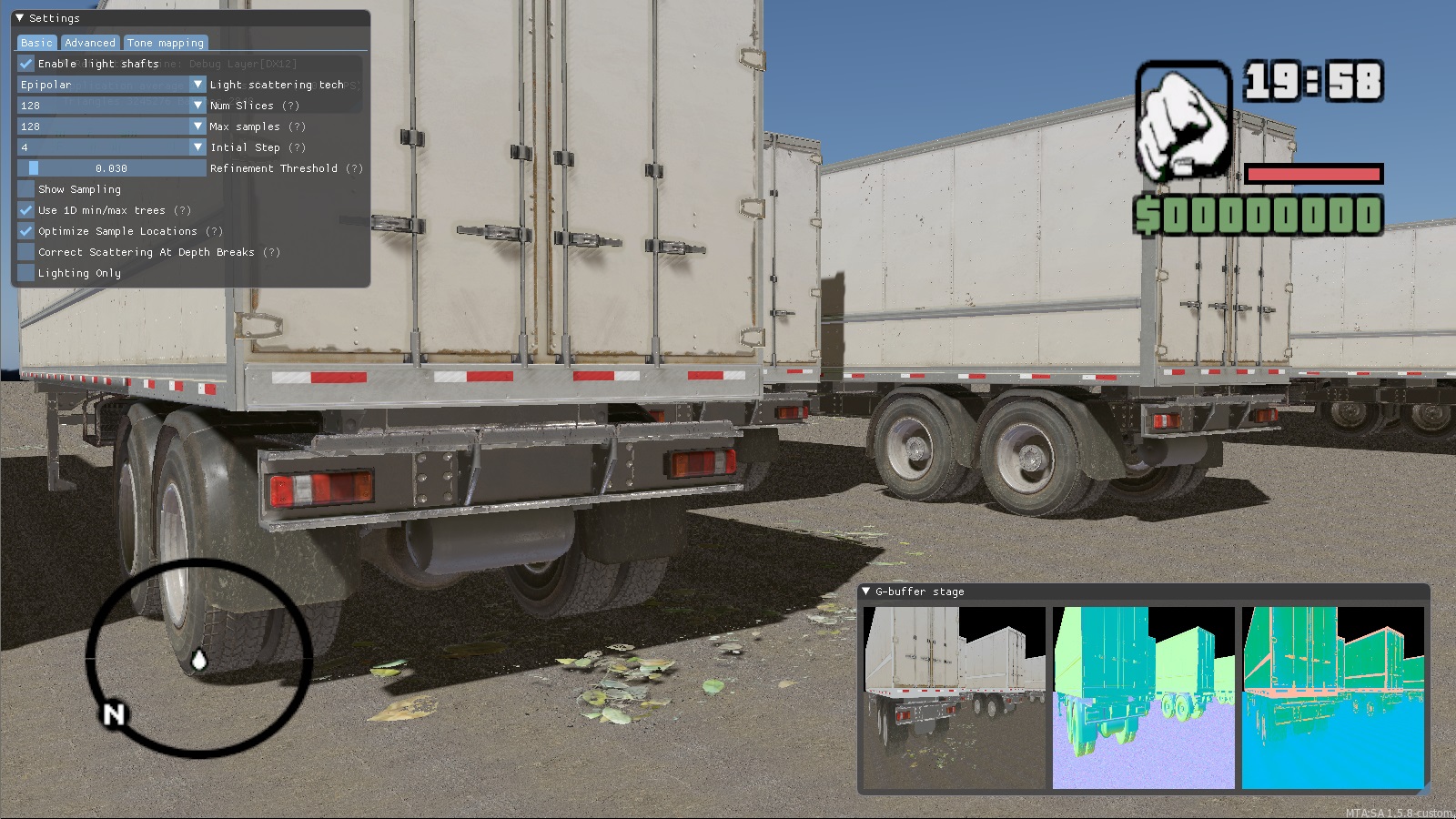
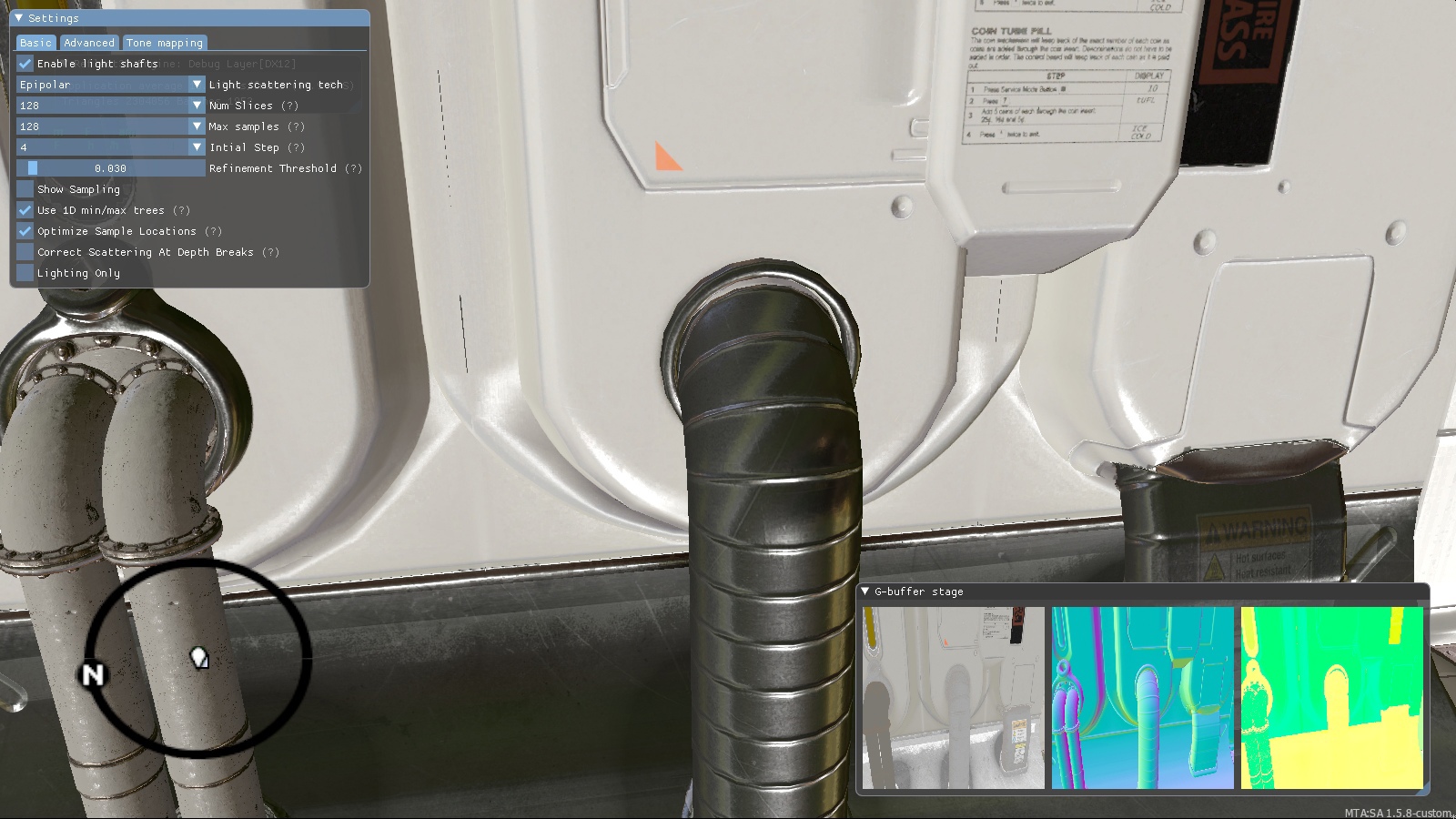
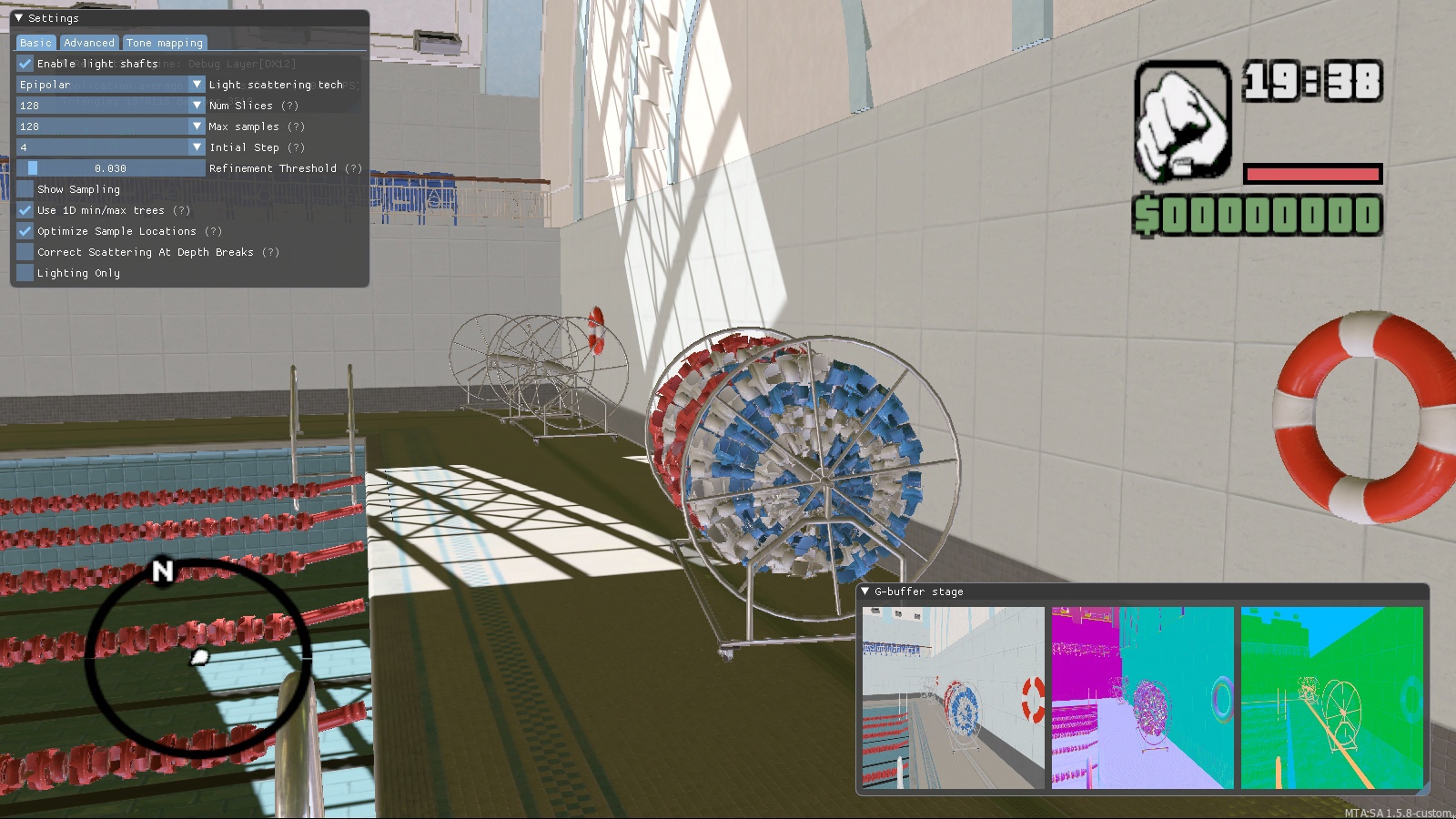
Street scenes look pretty good even without post-processing, don’t they? If there were self-shadowing (Ambient Occlusion) and anti-aliasing, it would be almost the same as in the screenshots that you saw in the group. But the interiors at this stage look much worse due to the lack of anti-aliasing, tuned light sources and reflections.
Performance
Taking into account the fact that the models on our map are worked out in much more detail than in other projects based on GTA SA, the volume of resources goes to a completely different level. And, of course, the game simply cannot handle such volumes of data.
To make it work, we also had to significantly rework a lot of things in GTA SA and MTA. For example, we use our own model and texture formats.
The existing toolkit for GTA SA / MTA is also unsuitable for working on a project of our level – for this we had to adapt modern tools and develop our own. And this is also a huge amount of work. It is possible that we will also tell you about this someday.
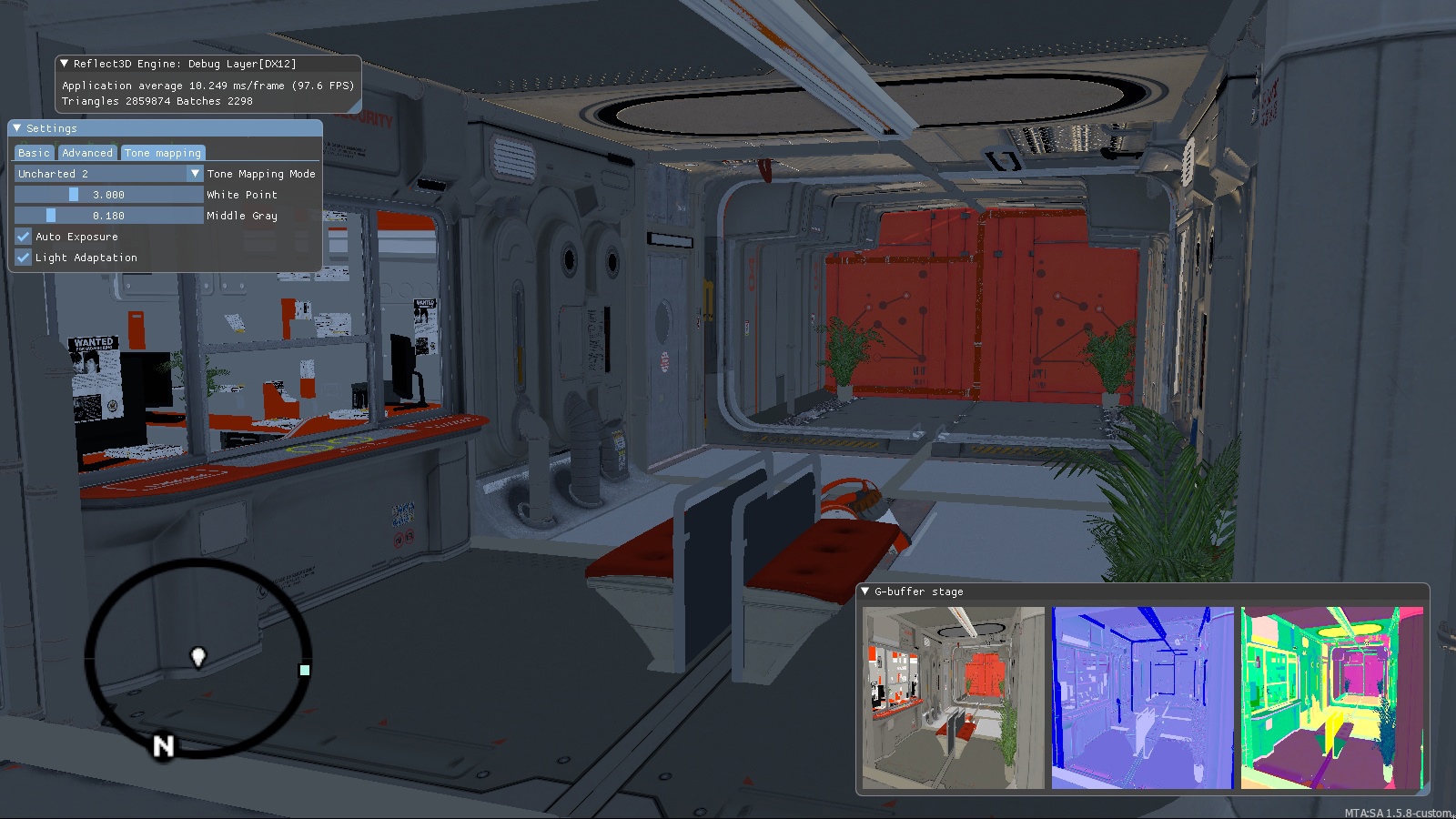
Almost three million triangles at an average of 100 FPS. As already mentioned, at this stage of development, scenes in interiors look inconspicuous due to the lack of anti-aliasing, adjusted light sources and reflections (well, we decided not to waste time arranging and adjusting light sources in test scenes – we did not even think that someone besides us will see these screenshots).
Ambient occlusion and anti-aliasing
The next step was work on self-shadowing (Ambient Occlusion) and anti-aliasing. For computers of different power, several of different algorithms are made – fast, but with a lower quality result; and slow, but with excellent quality.
If you are interested in technical details, at the time of this writing, SMAA 1x, SMAA 1x + TSSAA and SMAA 4x are supported for anti-aliasing, and SSAO, HBAO and Alchemy AO for Ambient Occlusion.
But right at this stage of the development of our rendering system, only the most basic algorithms were implemented.
Simple anti-aliasing result:
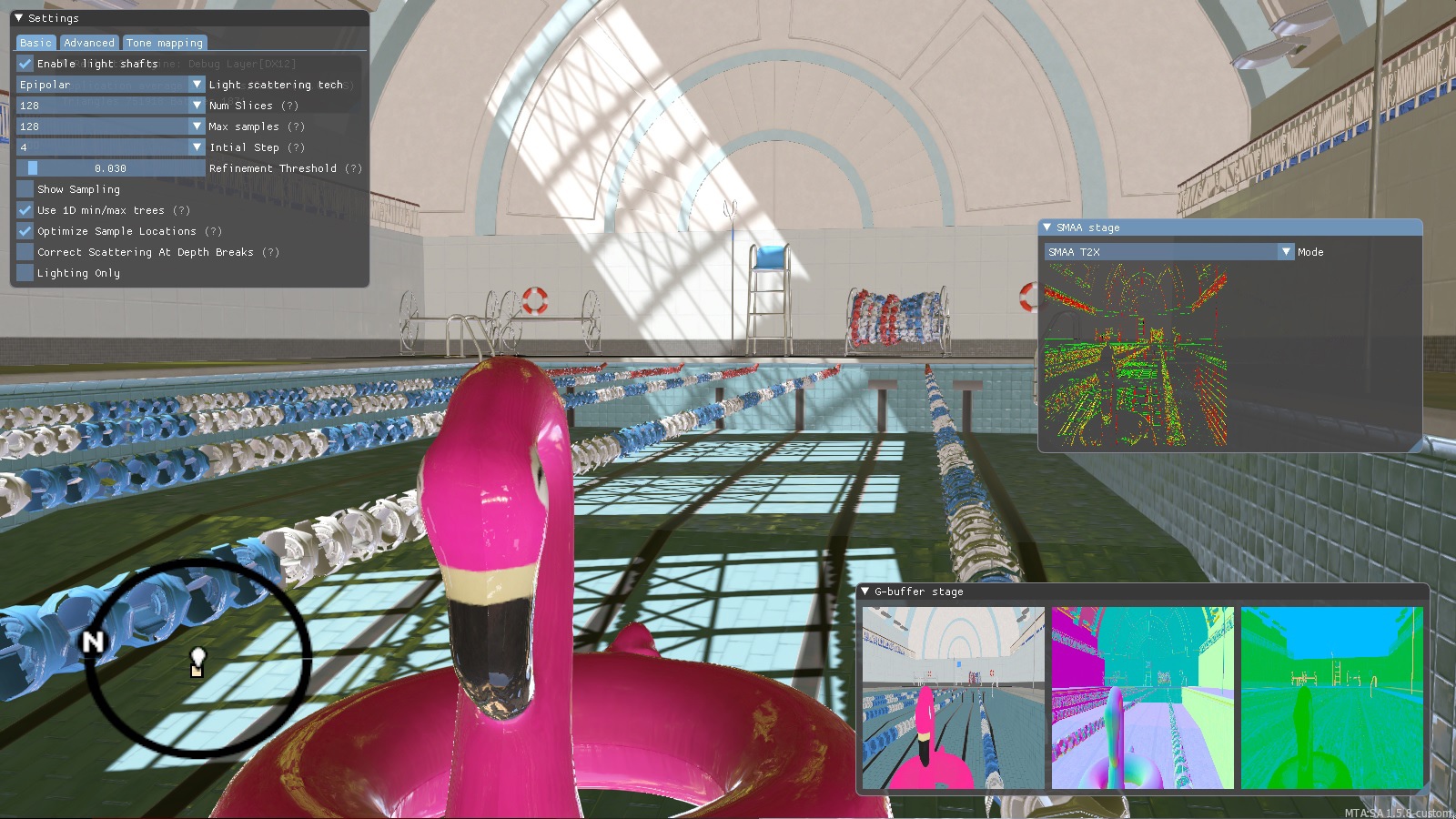
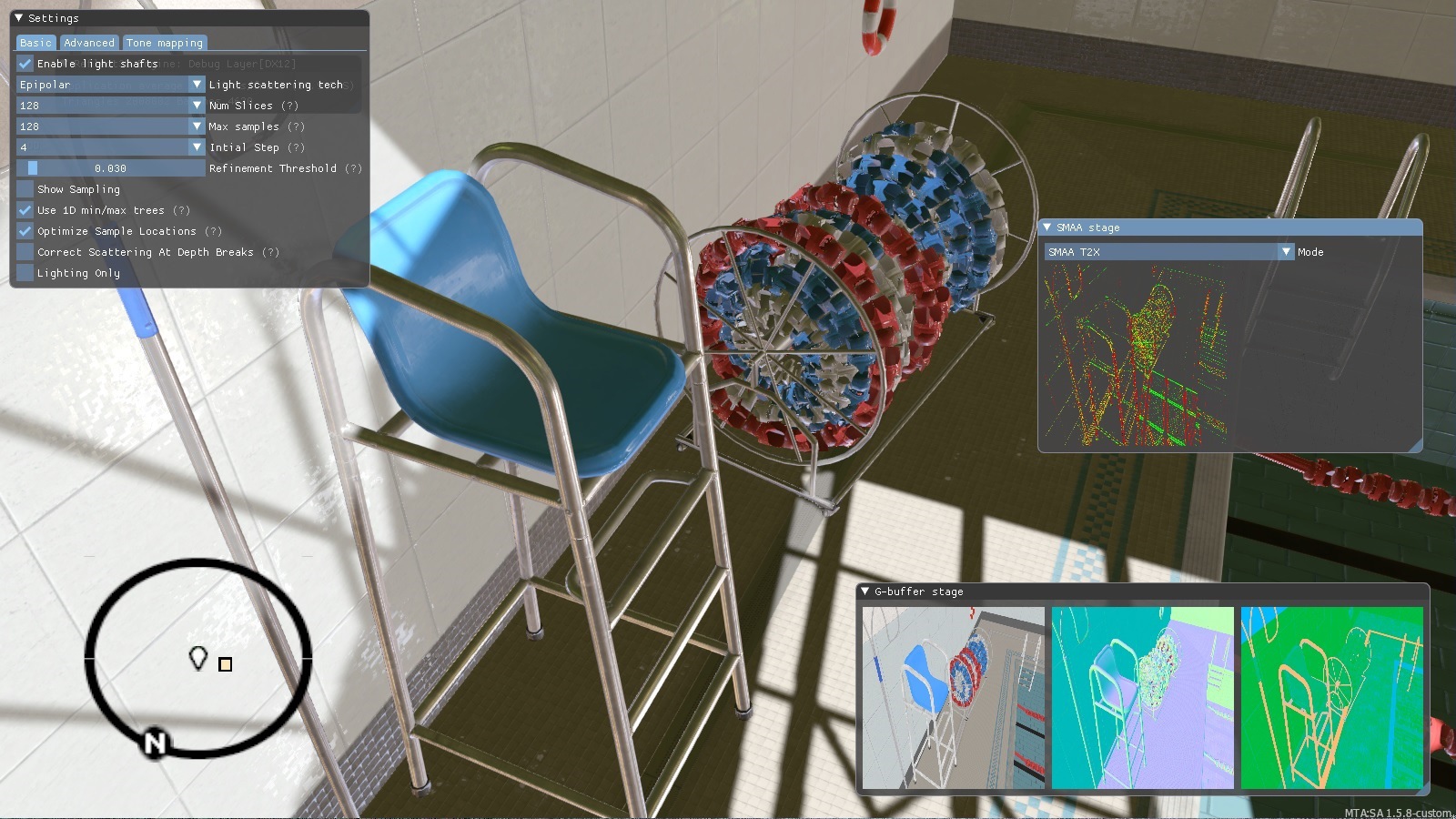
And this is the result of the basic self-shadowing algorithm:
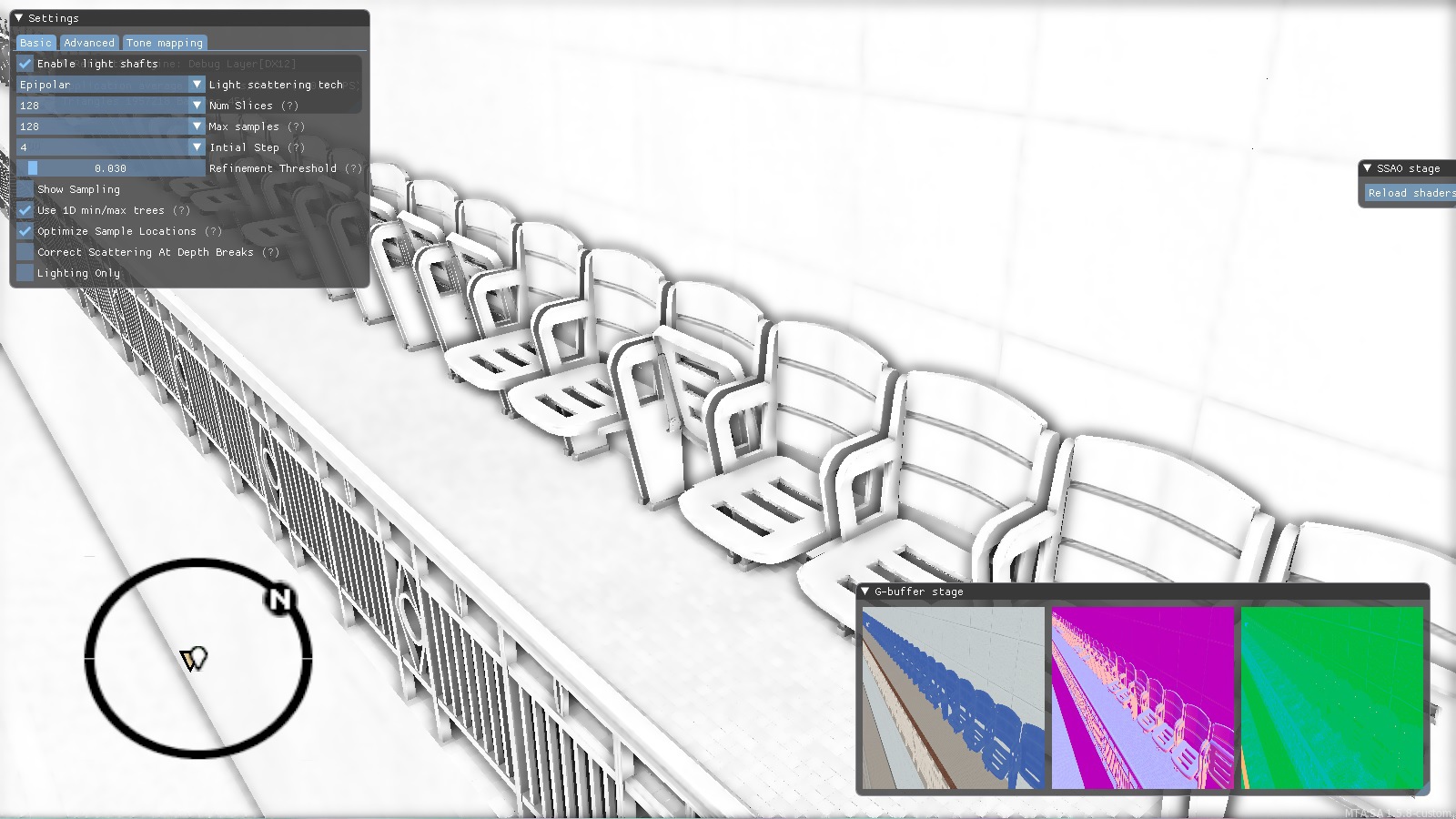
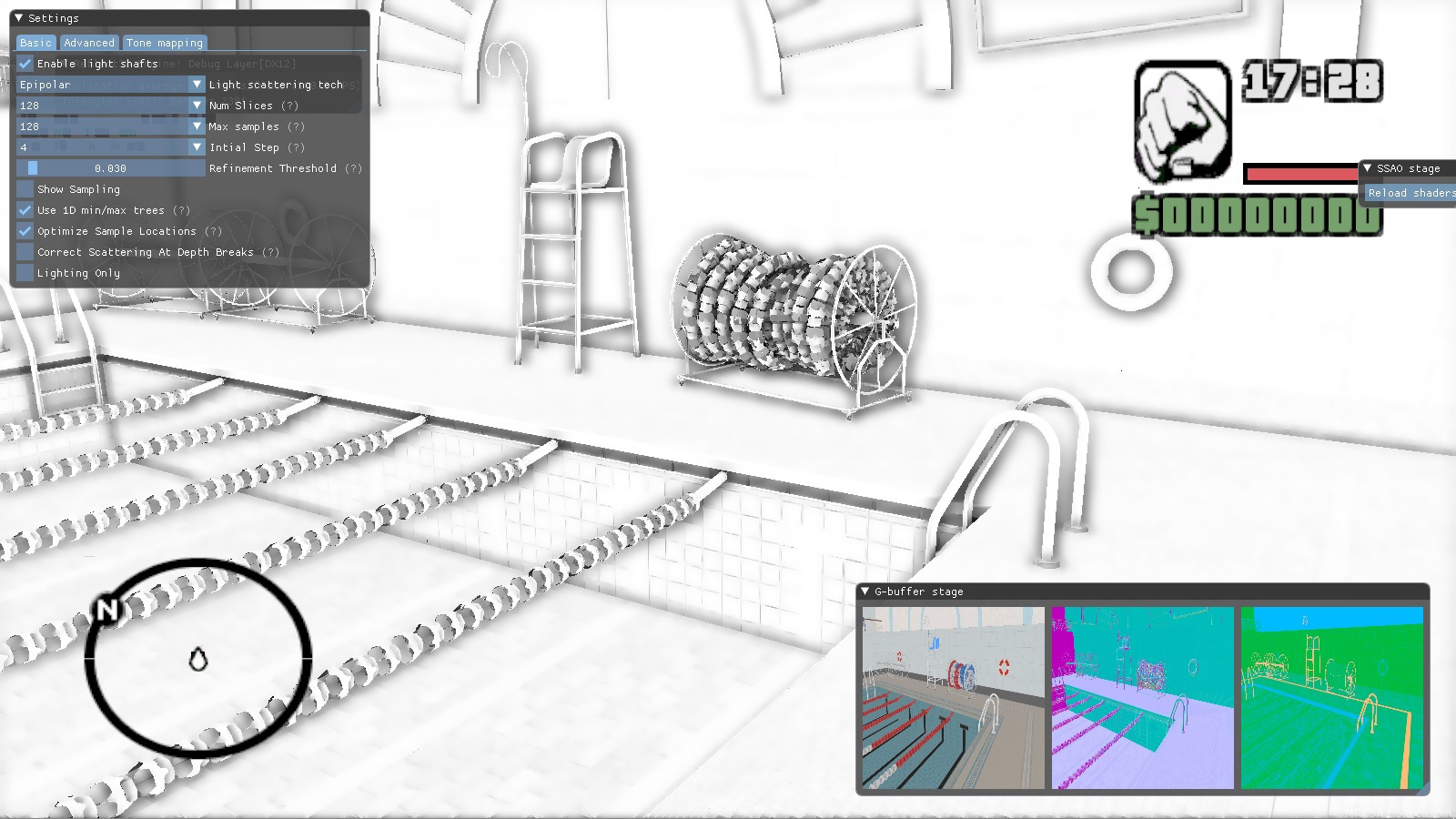
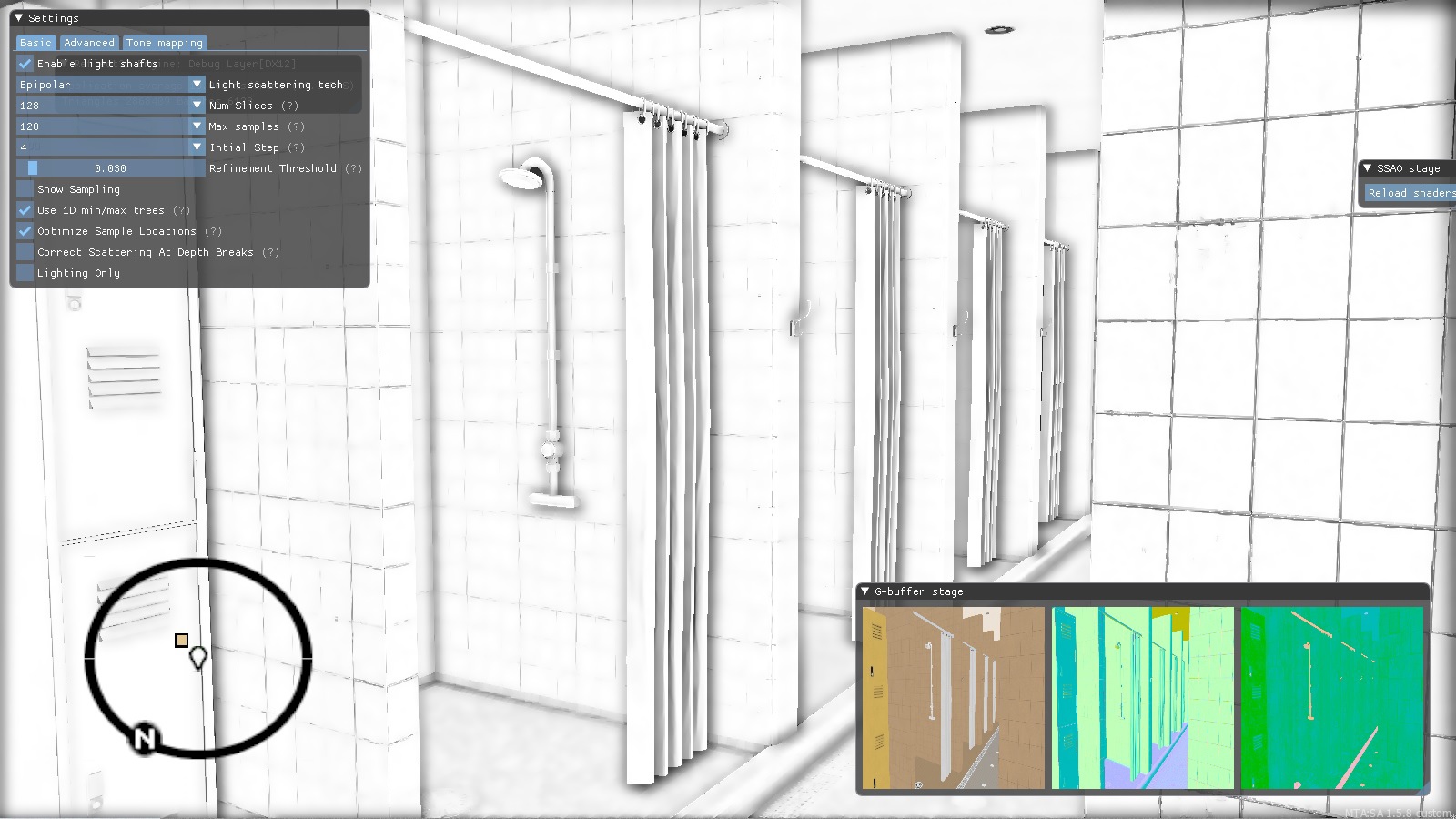
Then the resulting image is used when drawing the final image: the white color remains unchanged, and the dark one just adds shading.
We combine self-shadowing and anti-aliasing, which significantly improves the result:
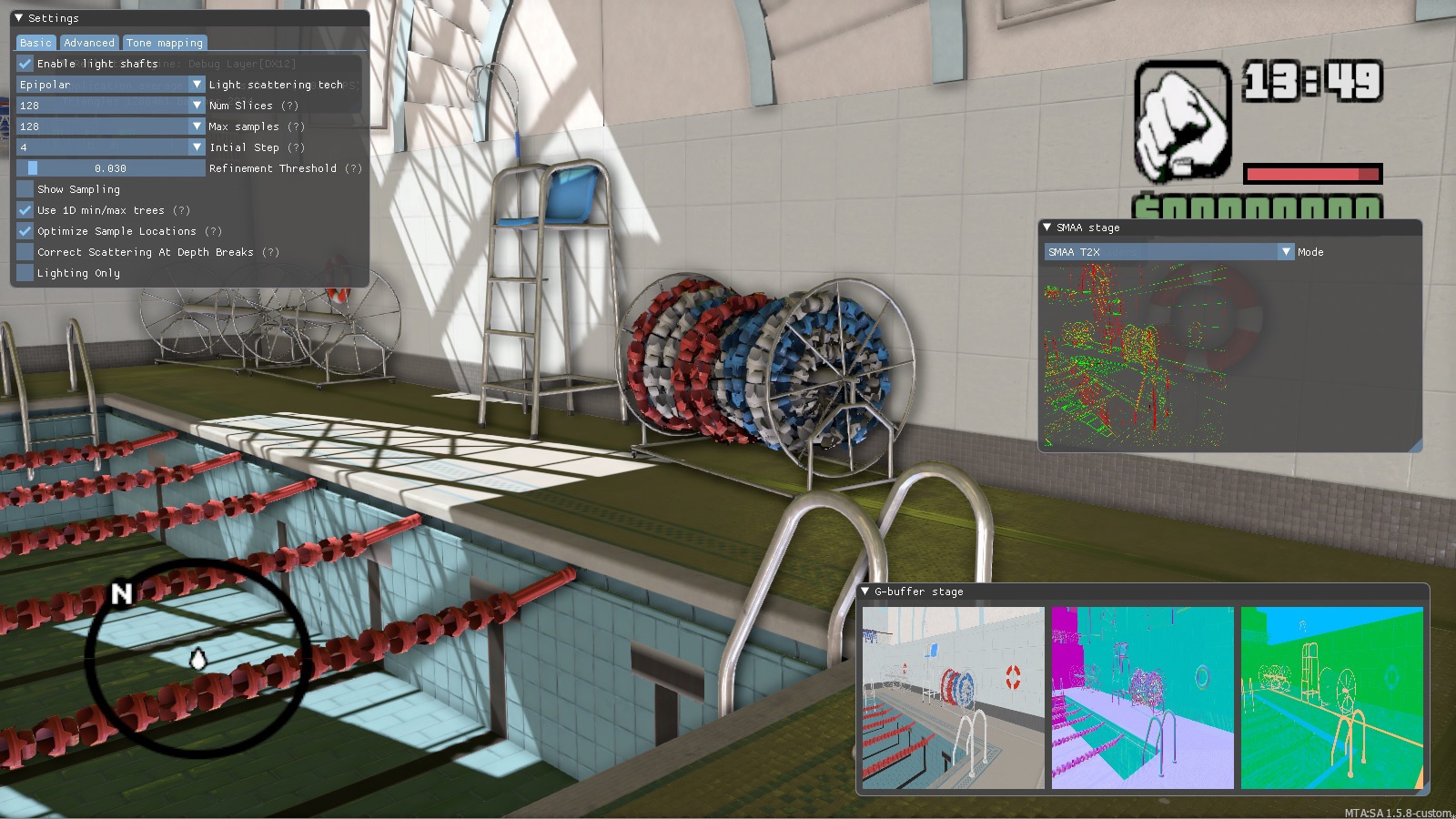
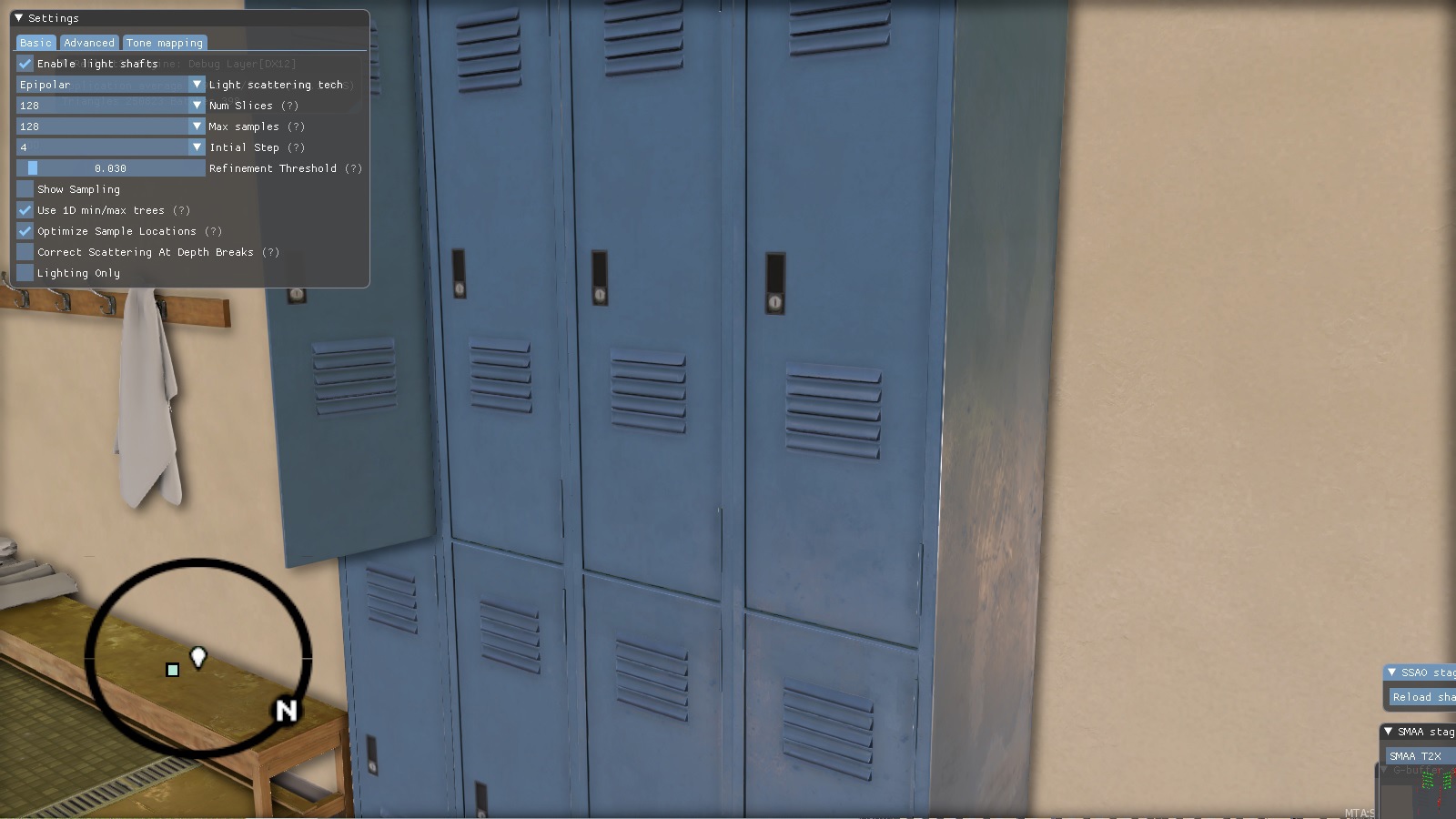
What happened next?
Later, we added better self-shadowing and anti-aliasing algorithms, we did serious work on dynamic lighting, transparent objects, reflections, tessellation and much more, but we will talk about this in the next parts.