Although the articles are published under the title “History of the development of our render”, here we talk not only about the work on the render itself but also about the work on other aspects of the game client, so do not be surprised. You can just think of it as development diaries.
Reflections and PBR
From time to time we read messages like “there are no reflections in MTA / GTA SA” under our screenshots. Yes, there are no such reflections as we have (although in GTA SA there are, for example, mirrors and mirrored floors). But we have everything quite seriously redesigned, and we made Screen Space Reflections (by the way, on the first version of the render, such reflections would be very, very problematic, if at all possible).
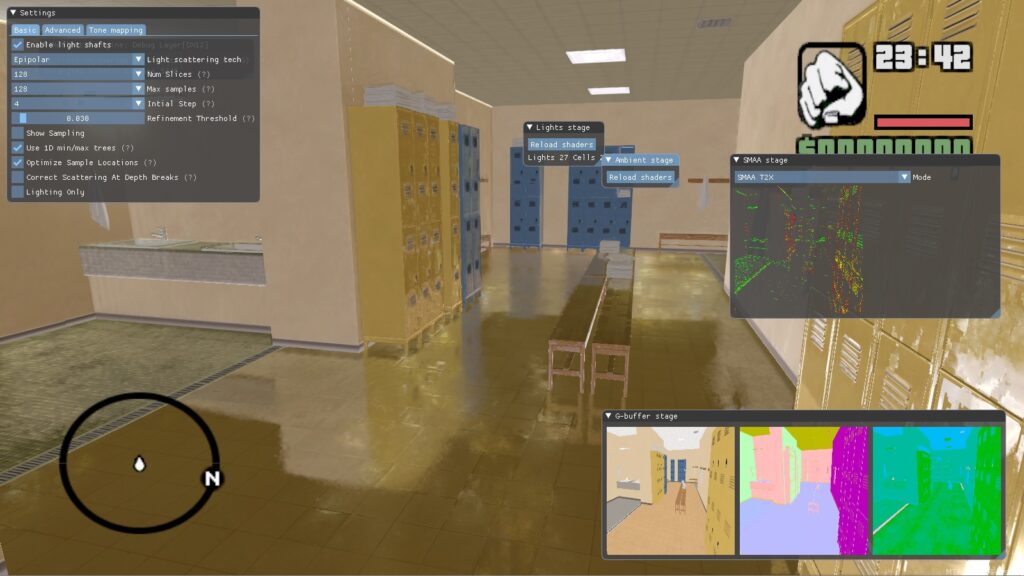
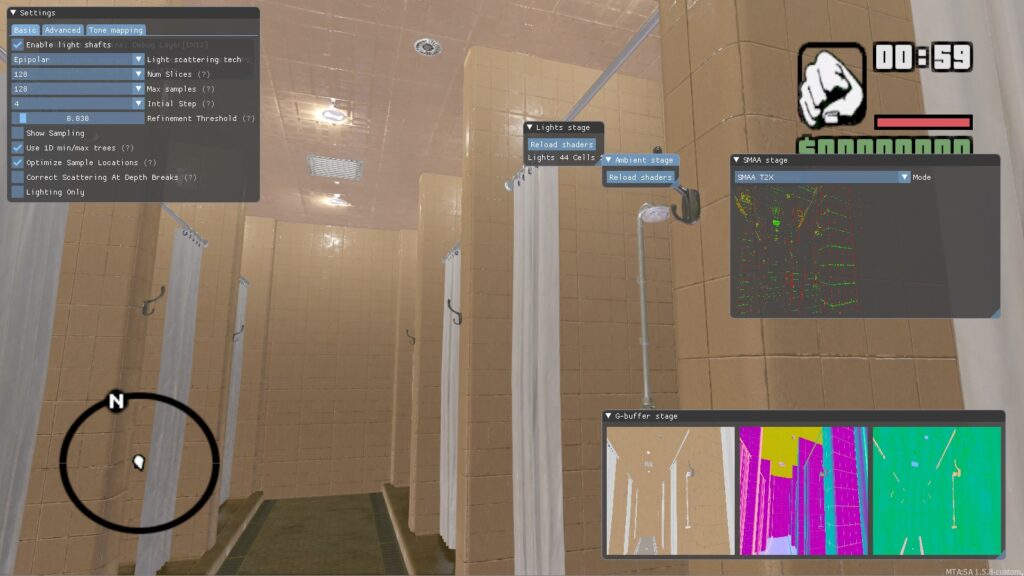
In these early screenshots, the scene is unconfigured (there are no light sources, the environment is not taken into account), and small artifacts (small squares) are visible on the surfaces – that is because the normal textures are compressed, and support for compression in the render at that time was not yet added. But in general, the reflections are quite visible.
A few technical details. Before that, the normals were compressed by using the DXT5 algorithm, just like regular textures. But this kind of compression does not have enough precision to store the normal. Therefore, we added support for BC5 (in fact, these are two combined DXT3s), which greatly increases the accuracy and the normals look correct.
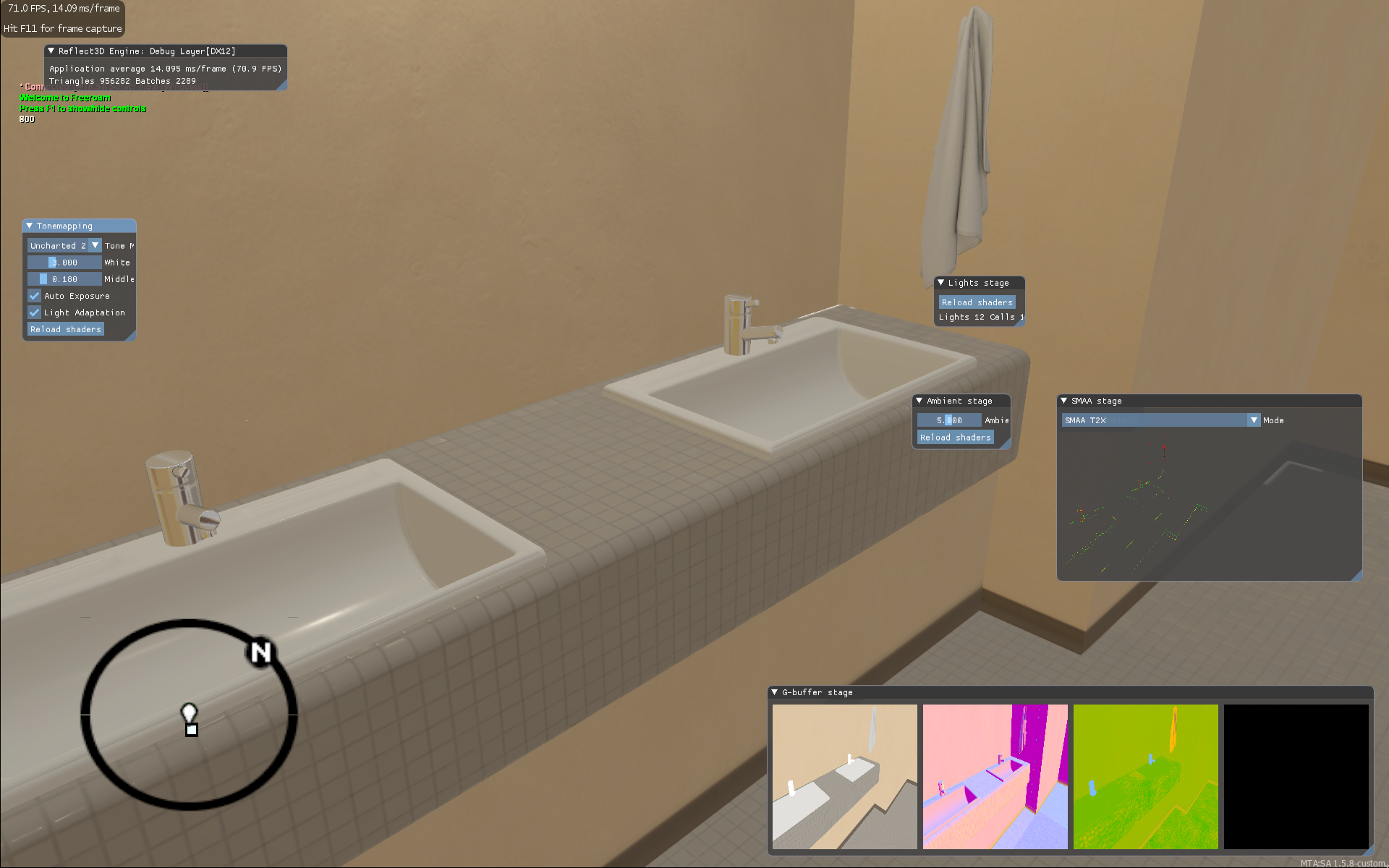
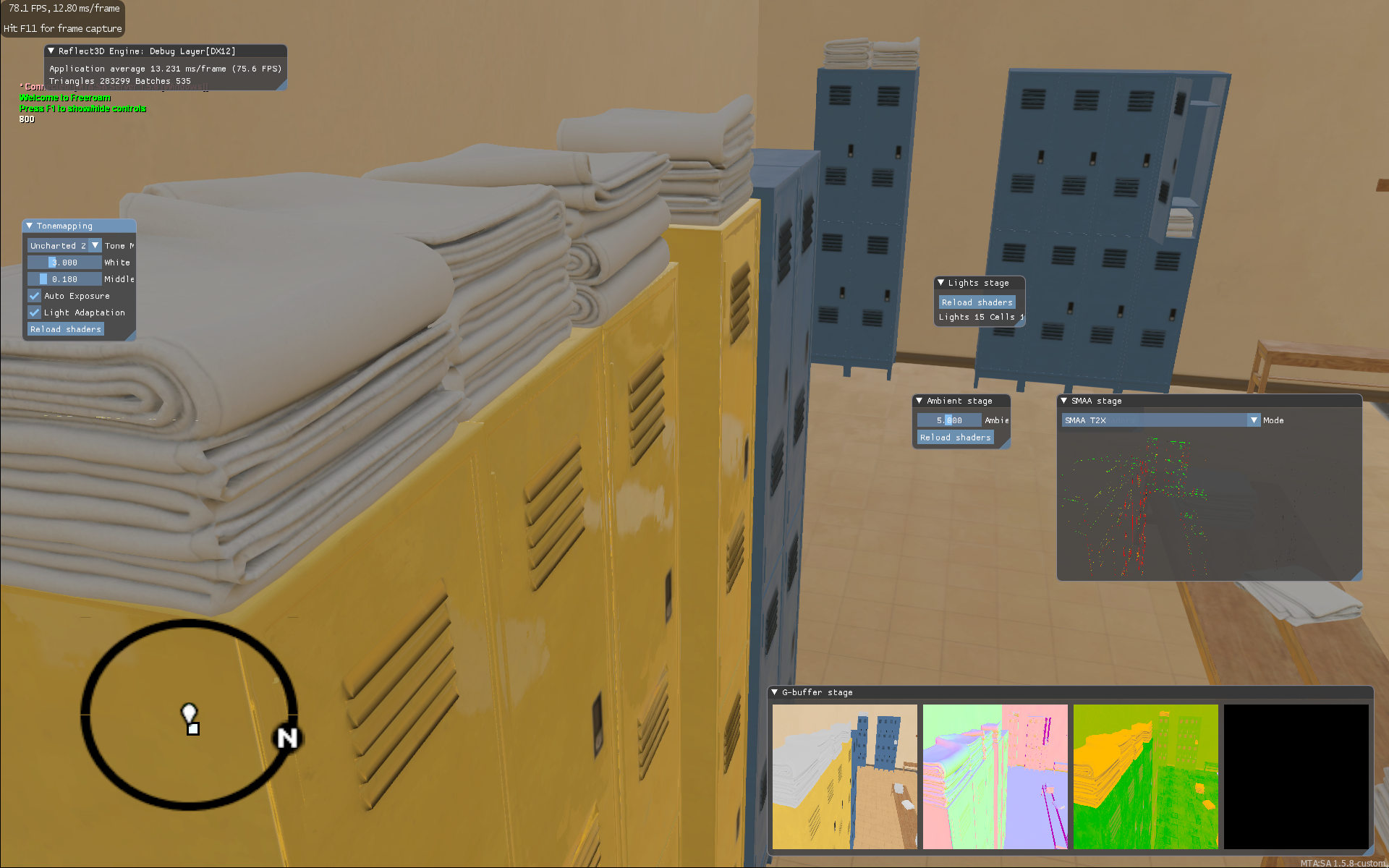
Here is a later version – added compression support, as a result of which artifacts on surfaces disappeared, and took into account the environment in reflections, thanks to which the scene began to look noticeably better.
If you take a closer look at the second screenshot, you will see graphic artifacts in the form of small light horizontal stripes on the towels:
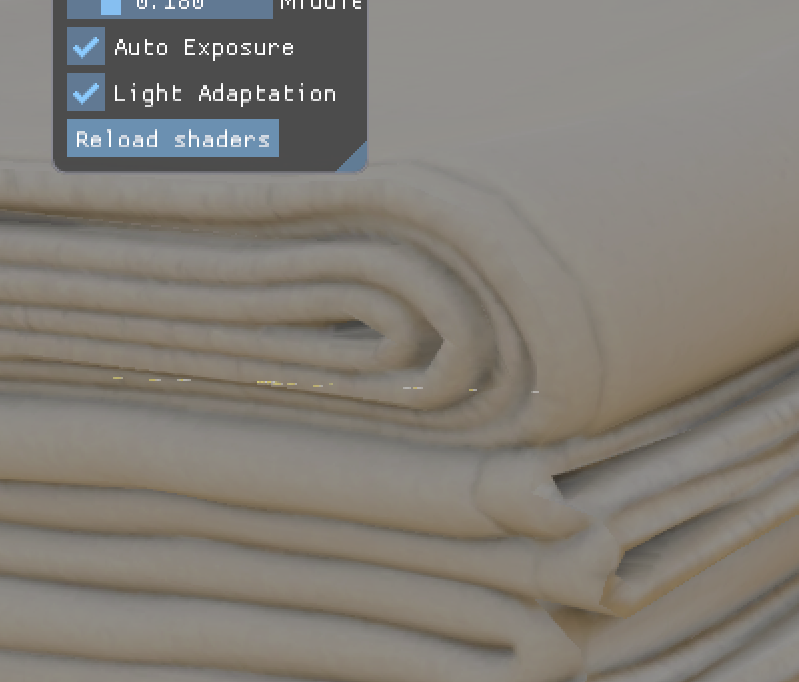
It’s funny, but these are not graphics engine bugs, as one might think. These are jellyfish, which you probably saw more than once underwater in GTA SA 😀
And this is a test scene where the PBR result is clearly visible. All these abrasions on the metal in the speaker look even cooler!
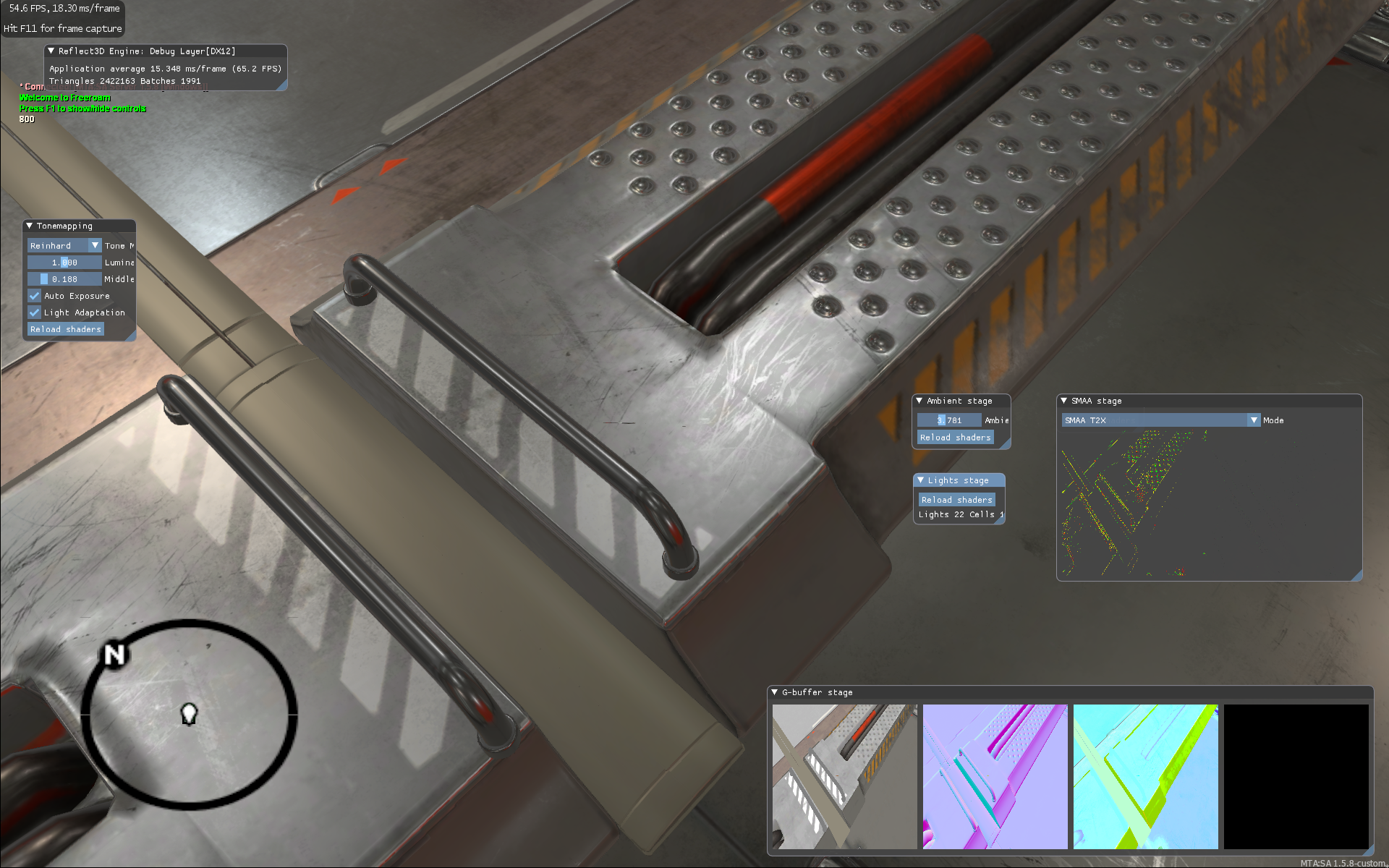
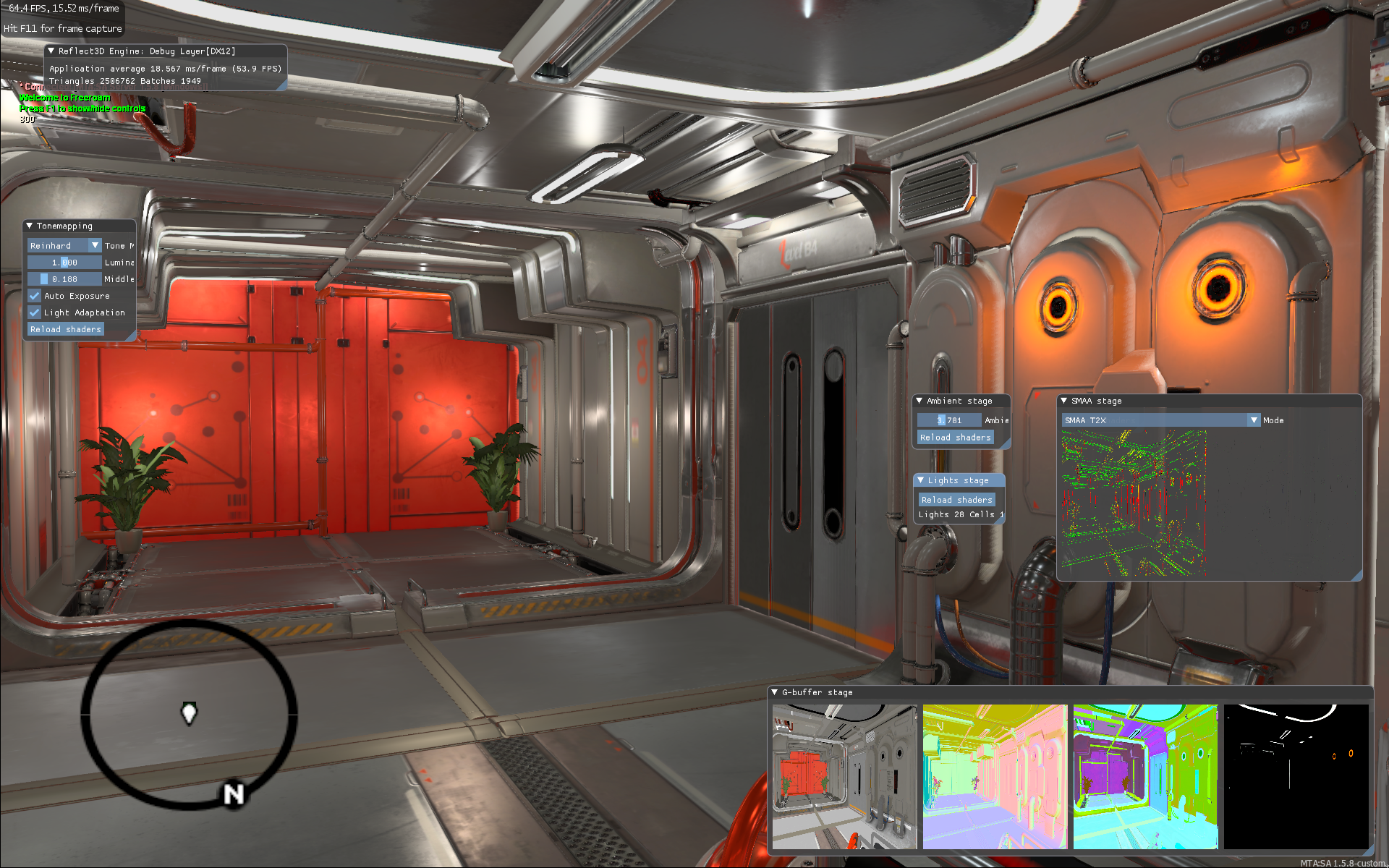
Remember what this scene looked like in the previous article? Well, we added reflections, placed several light sources, and the scene changed noticeably, didn’t it? And it is worth noting that this is far from the best result that can be achieved.
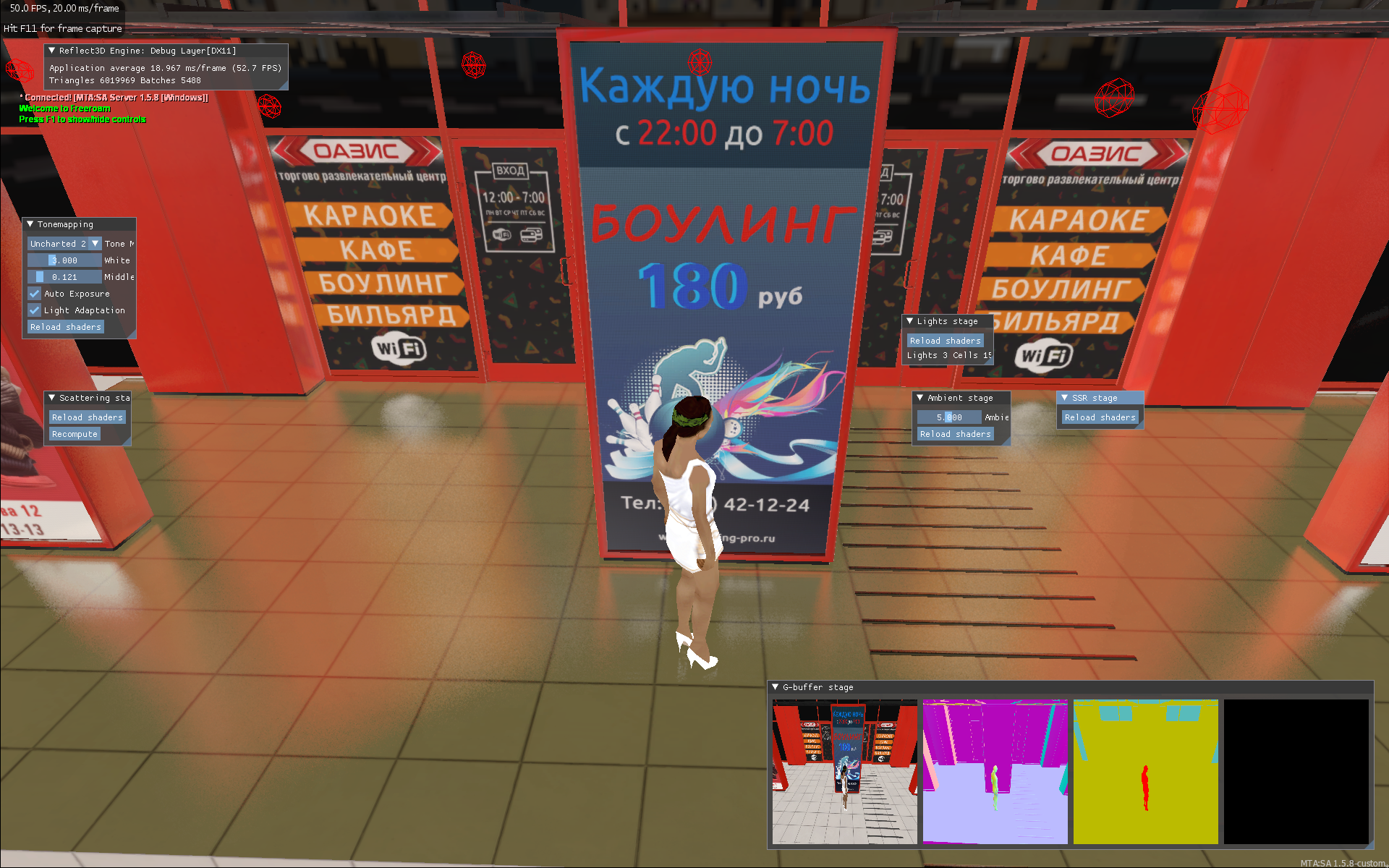
And this is more or less the final version of the reflections. The scene is not tuned and the reflections are specially twisted “to the maximum” so that they can be better seen.
The graininess of the reflections is a characteristic feature of SSR. By the way, this graininess can be seen in many of our screenshots; it is enough to enlarge the image on some reflection.
To completely get rid of this graininess, you need to use ray tracing. We do not have it yet, but it is proposed for the distant future (alas, the prices for RTX video cards somehow do not contribute to active development in this direction).
Landscape
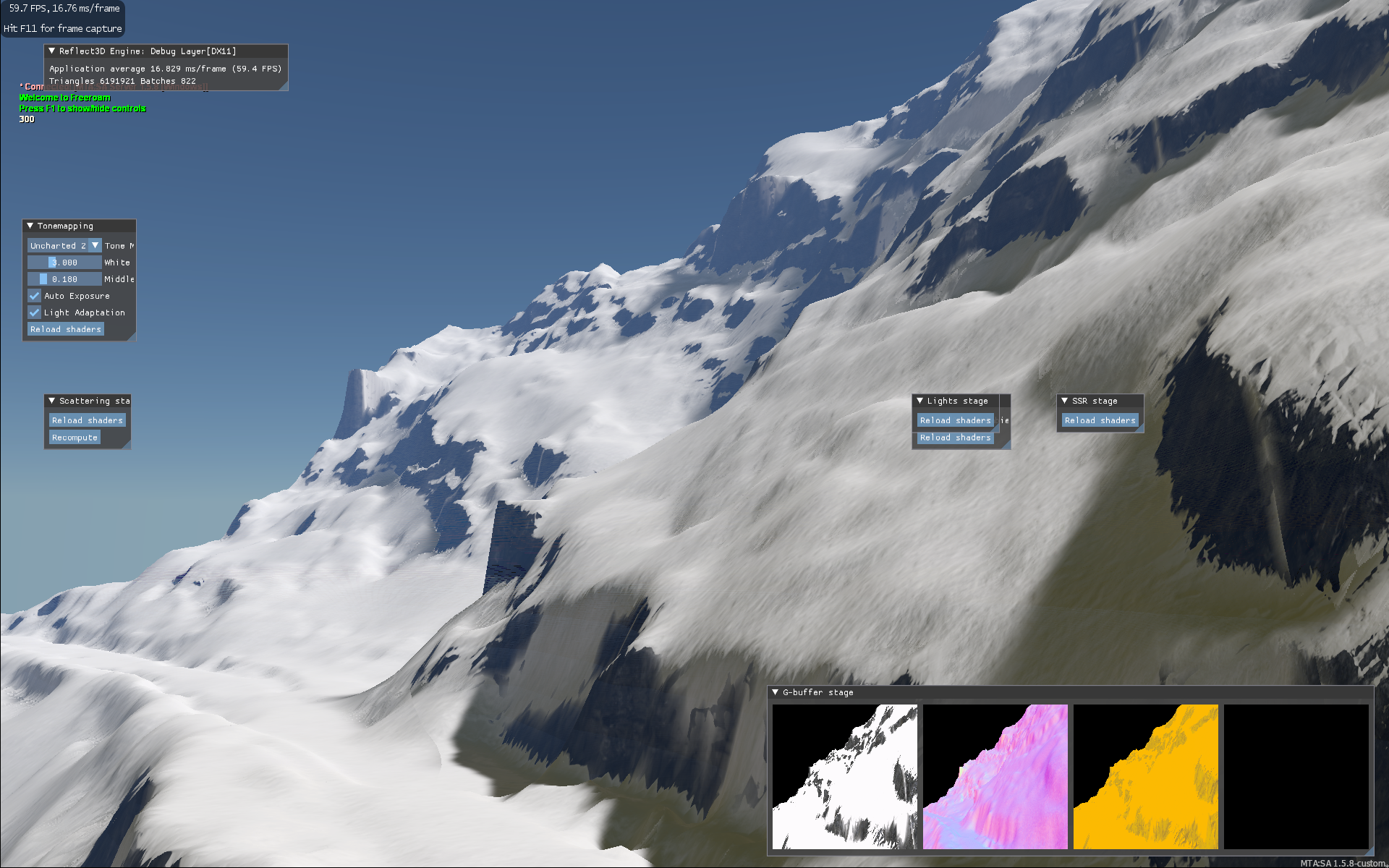
The usual method that is used to create landscapes for GTA SA is modelling in some kind of editor (3ds Max, Blender, etc.), then slicing it into pieces no larger than 256 × 256 meters and then transferring these meshes to the game. And if you need to make any changes, this entire process must be repeated over and over again. In general, it is difficult, long, terribly inconvenient and can easily lead to all sorts of problems, like gaps between pieces of the landscape, sinkholes, invisible walls, and other problems that can cause a lot of headaches.
We decided to go the other way and create our landscape system, which will not be limited in size (yes, you can do even a thousand by a thousand kilometres), is easy to change, does not load the system, and is convenient for modellers. No sooner said than done!
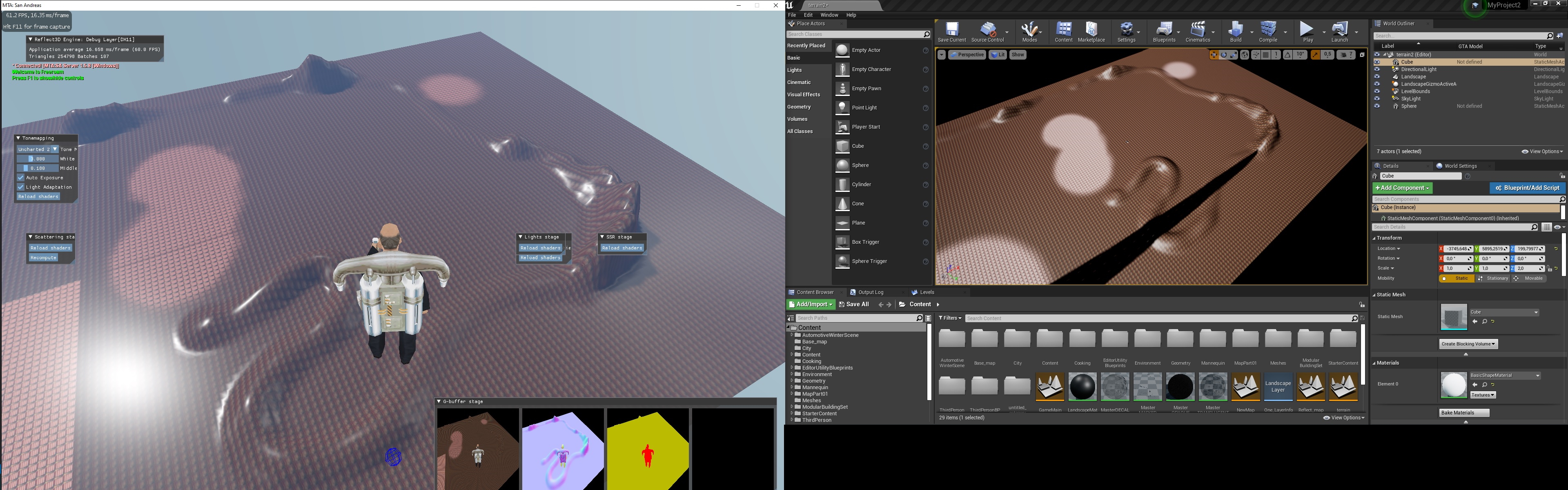
As a basis for the landscape system, we took the way the landscape is implemented in the Unreal Engine. Our system completely reproduces the result created by the UE. However, this applies not only to the landscape; we have already mentioned that we actively use UE to develop the project (in particular, we set up all materials, lighting, reflections in it, compose the map, etc., but we will talk about this somehow another time). In our project, we are completely trying to reproduce the picture that the Unreal Engine produces, and, as you can see from the screenshots in the group, we do an excellent job with this task.
An example in which a landscape created in UE is reproduced one-to-one in MTA (slight colour difference due to lighting). And our system supports almost every feature that the UE landscape has.
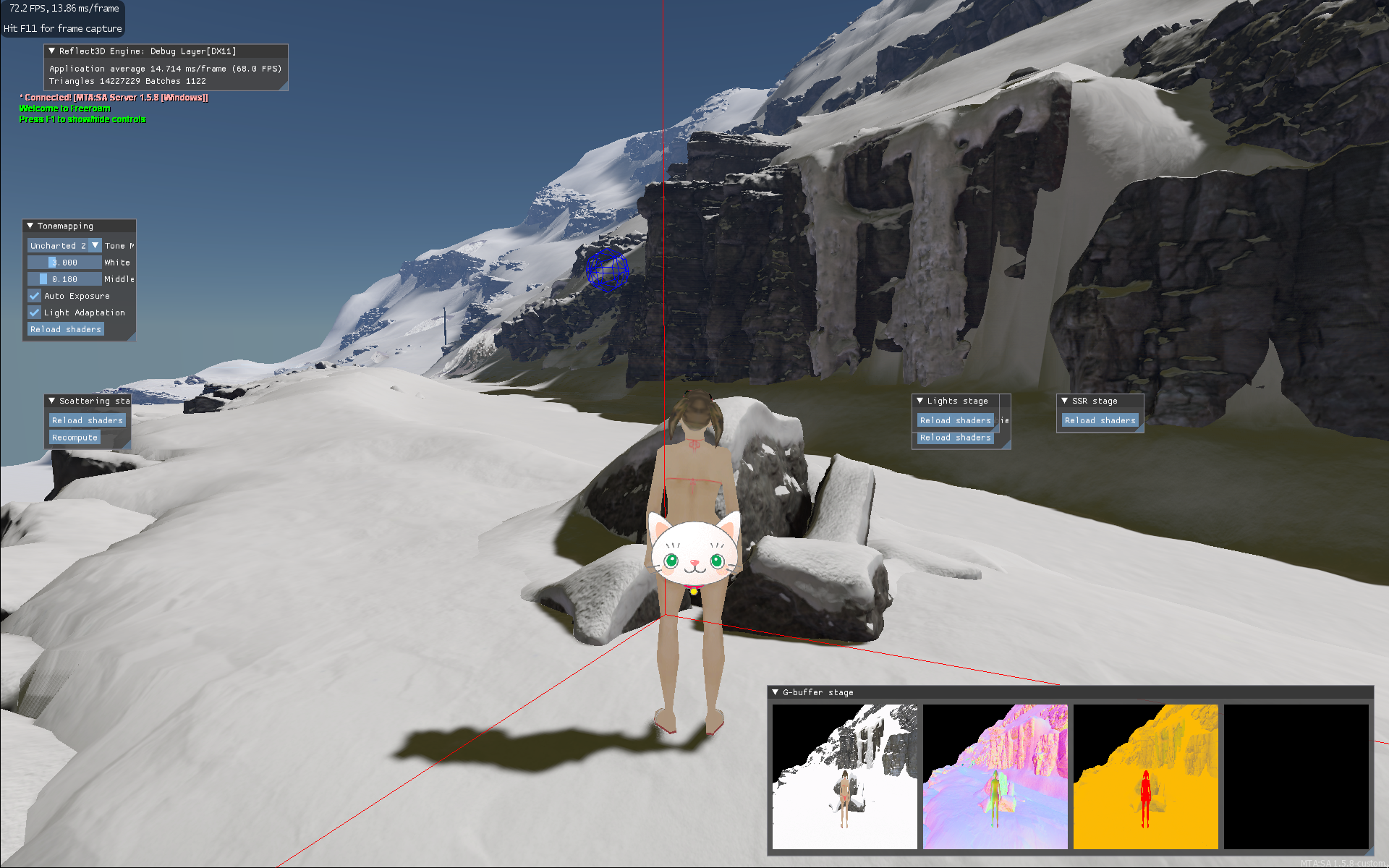
The standard GTA SA system for physics uses collisions stored in col files. It is also used to set various properties of surfaces: appearance (where the grass grows, for example), sounds, shadows, and determines whether an object is visible on the screen.
In order to dynamically create the landscape, we had to modify this system so that it was possible to create collisions “on the fly”, and of arbitrary size, not limited to the maximum for GTA SA 256 × 256 meters (this is not entirely true, as in the standard GTA SA can use much larger collisions, but it can hardly be recommended to do this because a significant part of the optimization is done precisely due to this “slicing”).
Moreover, we attached a modern physics engine to the landscape, which gave us multithreading in handling collisions with the landscape, the ability to dynamically change the landscape (including digging holes, for example) and some other things that we will talk about in the future.
The landscape itself is drawn in small parts with different qualities – those that are closer are drawn with maximum detail, and the farther from the camera, the lower the quality. This technology is called Continuous Geo-MipMap LOD.
In a special debug mode, the polygonal mesh of the landscape is clearly visible. It is best to watch videos in 4K quality, even if you have a much smaller screen – this will force YouTube to play videos with a higher bitrate, otherwise the picture is very blurry and all these thin lines turn into some kind of spots.
It has already added smooth blending of different levels of LODs, which gives an excellent result.
GUI
Due to the method that we used to transfer the game to DirectX11 / 12, we could not use the usual GUI systems for the MTA, as this greatly reduced the performance in our case. We needed a solution integrated directly into the game client, directly working with DirectX11 / 12. We checked many available options and settled on a completely atypical solution for GTA SA – NoesisGUI.
It is a modern and advanced XAML-based GUI that supports vectors, complex animations, themes, and more. And the most interesting thing is that interfaces are not built directly into the game code but in special config files. This means that changing and creating new interfaces is much easier. And you can check their performance even in a browser without starting the game.
It took NoesisGUI to connect to MTA only a few days, while Lua integration took significantly longer. In total, it took about a month.
Just don’t ask us to show our interfaces now 🙂 We will show you when we are ready 🙂
For today, perhaps everything! See you in the next part of our blog!